102 Chapter 6 System Administration
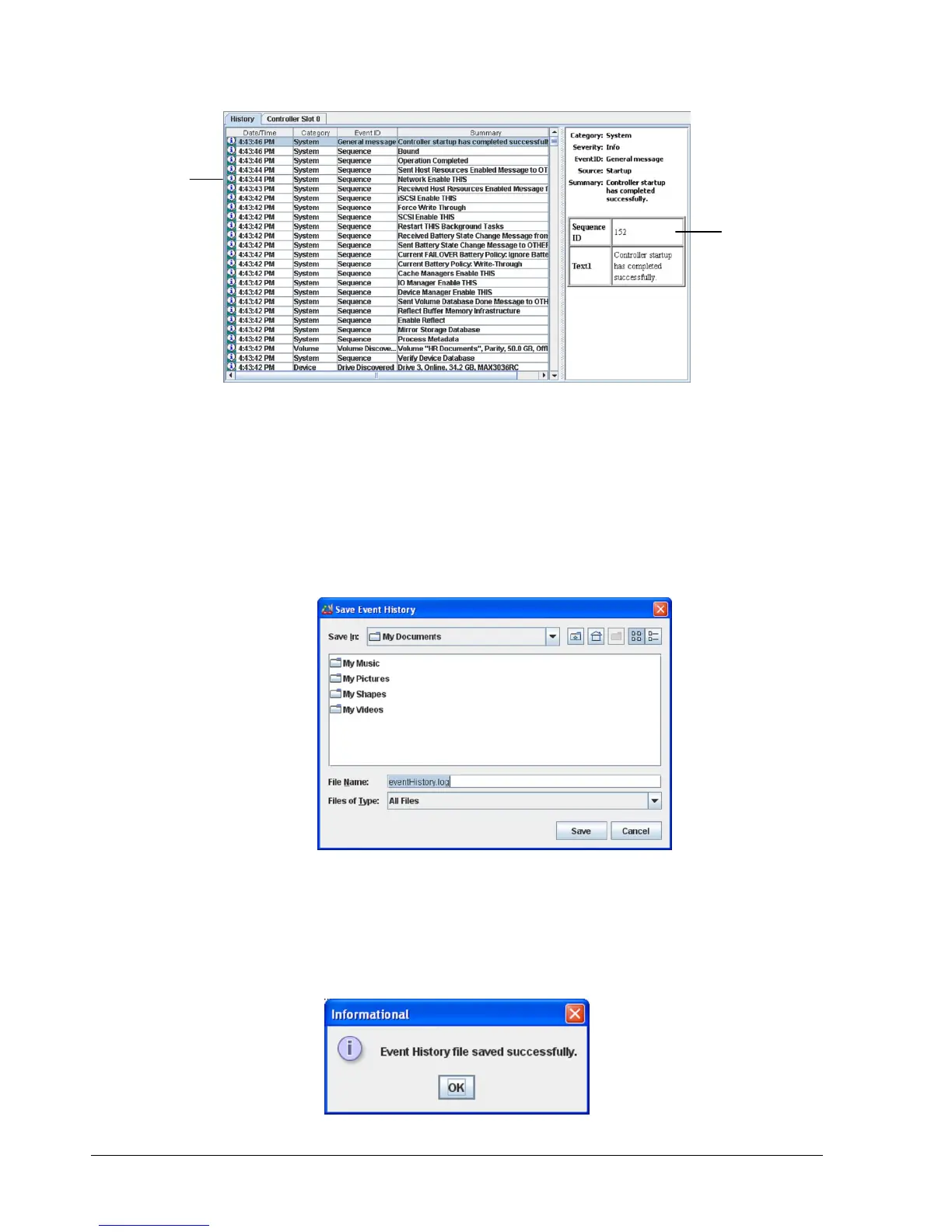
Figure 6-4. History Tab
You can save the event history as a text file in comma-separated format on your local
computer.
1. Perform one of the following steps:
– On the Tools menu, click Save Event History.
– In the System Actions panel, click Save Event History.
Any of these steps displays the Save Event History dialog box (see Figure 6-5).
Figure 6-5. Save Event History Dialog Box
2. Select the path where you want the event log to reside.
3. Click the Save button.
4. When the message in Figure 6-6 tells you that the event history file has been saved
successfully, click OK to remove the message.
Figure 6-6. Event History File Save Message
When You Select
an Item Here…
Information
about that
Item Appears
Here



 To Next Page