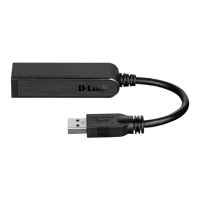
12D-Link DUB-1312 User Manual
Section 2 - Installation
Enter the Name and Password for a user with administrative rights.
Click Install Software.
You will see a reminder you that you must restart your computer once the
installation has been completed. Click Continue Installation to proceed. The
computer will then restart itself after the installation is complete. Proceed
to “Connecting the Adapter to a Network” on page 15.
If you clicked Change Install Location, you will see the Select a Destination
screen. Select a Destination Volume, then click Continue.










 To Next Page
