15D-Link DUB-1312 User Manual
Section 2 - Installation
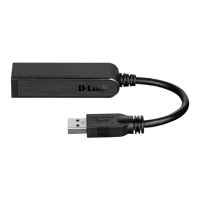
1. Attach an Ethernet cable to the Ethernet port on the DUB-1312.
2. Attach the other end of the Ethernet cable to your network switch or router.
Note: If your switch or router has ports with gigabit capability, make sure you use one of these ports to achieve maximum data
transfer speeds.
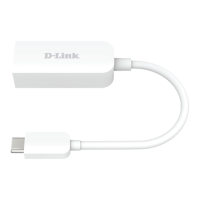
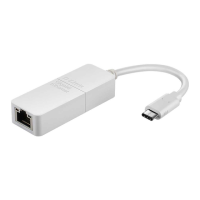
Connecting the Adapter to a Network










 To Next Page
