11D-Link DUB-1312 User Manual
Section 2 - Installation
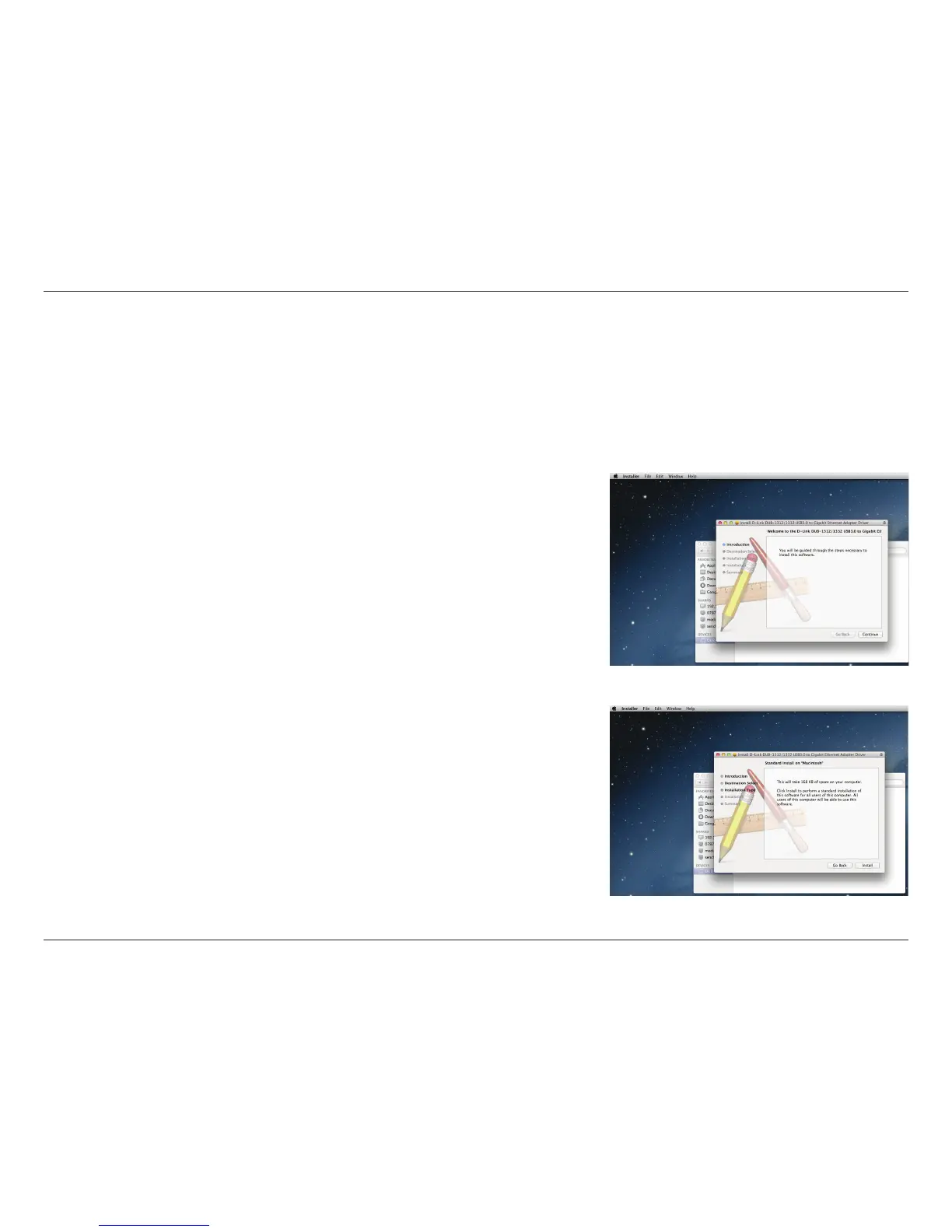
Insert the DUB-1312 CD into your computer’s DVD or CD drive, then go to
the DUB-1312 folder and navigate to \Drivers\Mac. Double-click DUB-
13X2_v1.4.0.pkg. Click Continue.
Although the following screen shots were taken from Mac OS X 10.6, the steps are similar using other versions of OS X. Your
operating system should be version 10.6 or above.
Mac OS® X
Click Install to perform a standard installation. If you wish to change the
drive where the installation will take place, click Change Install Location.










 To Next Page