6D-Link DUB-1312 User Manual
Section 2 - Installation
When the InstallShield Wizard is nished, plug the DUB-1312’s USB cable
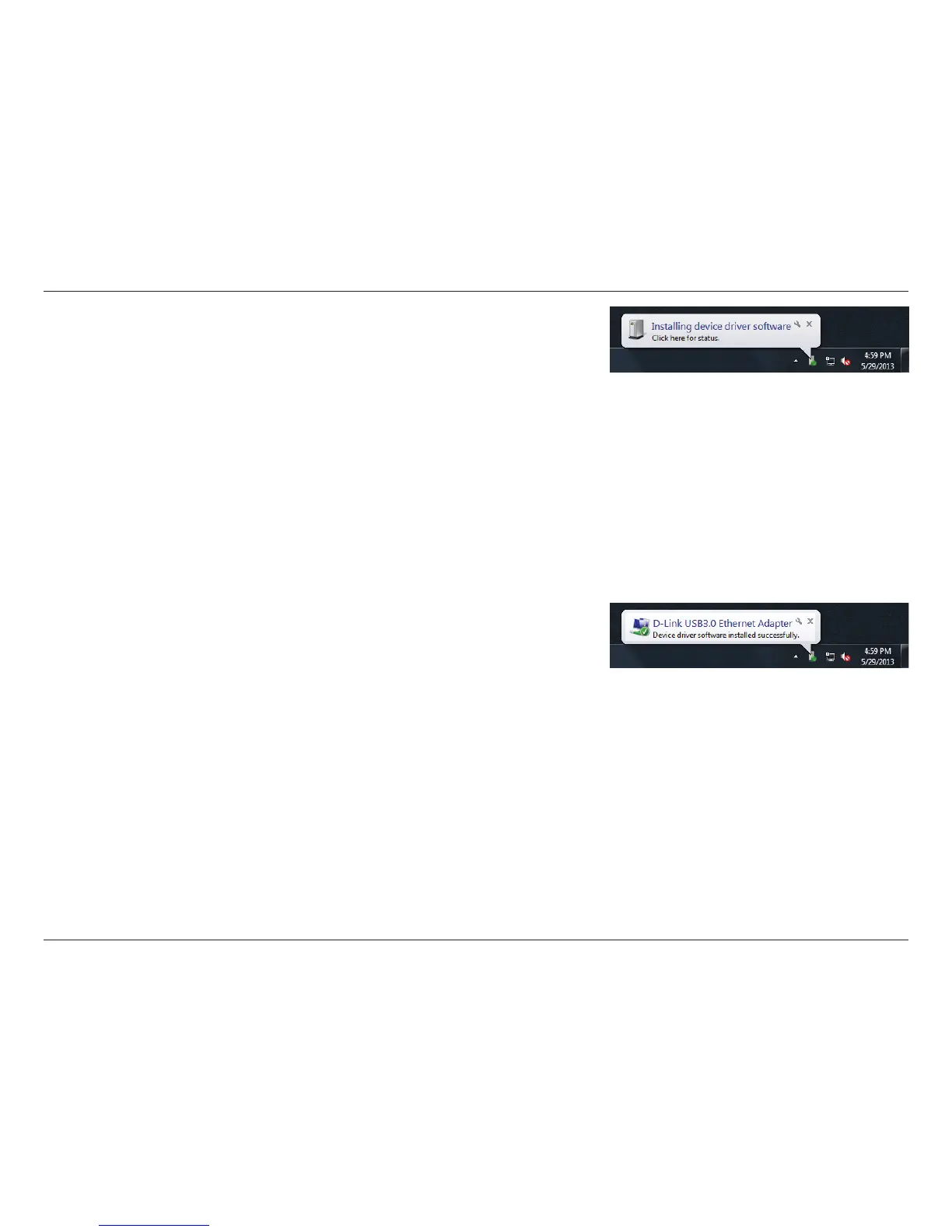
into an available USB port on your PC. Within a few seconds, Windows will
detect a new device and install the device driver software automatically.
When the driver installation is complete, you will see a message that says,
“Device driver software installed successfully.” Proceed to “Connecting the
Adapter to a Network” on page 15.










 To Next Page