31D-Link DWA-582 User Manual
AppendixB-NetworkingBasics
Networking Basics
Check your IP address
After you install your new D-Link wireless adapter and have established a wireless connection, by default, the TCP/IP settings
should be set to obtain an IP address from a DHCP server (i.e. router) automatically. To verify your IP address, please follow the
steps below.
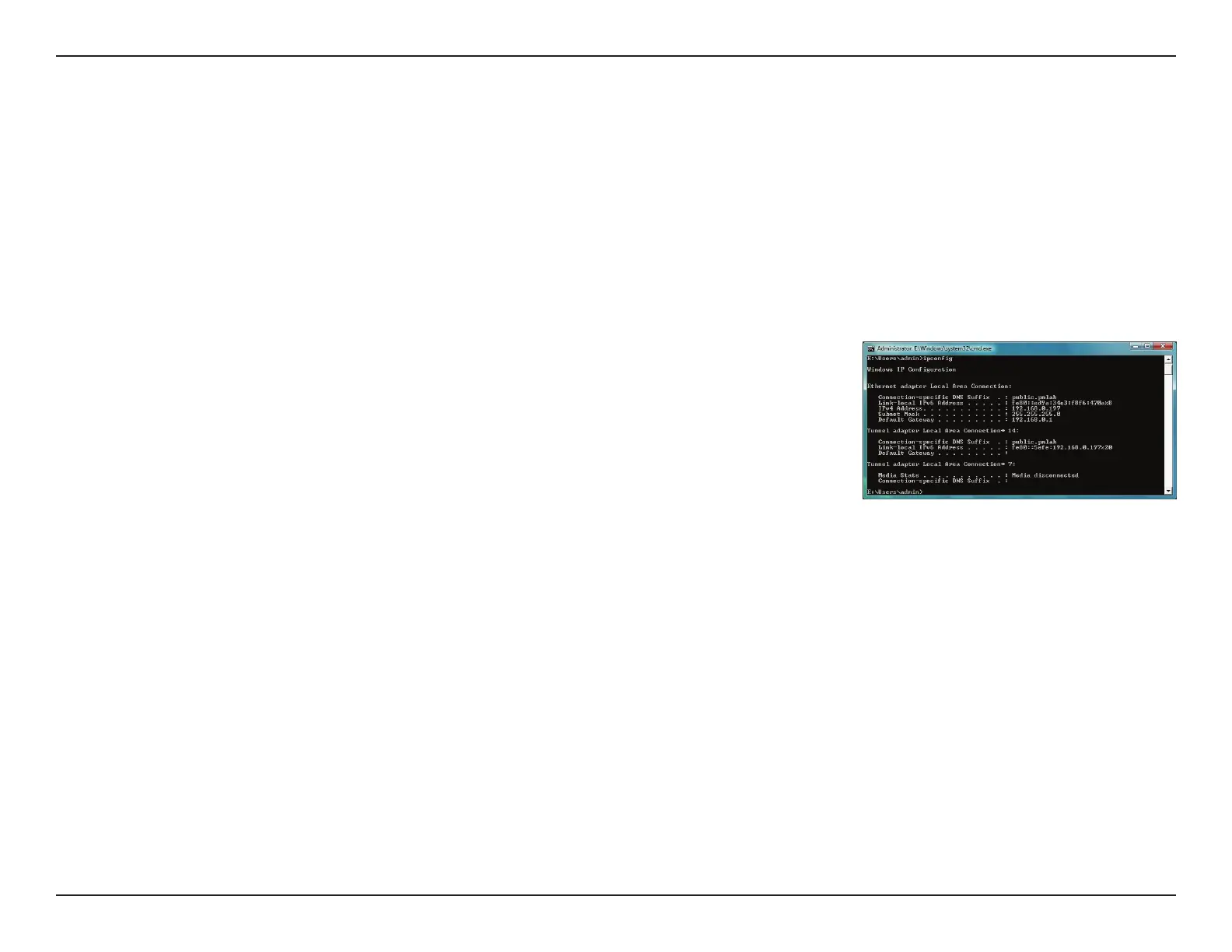
• ClickStart > AllPrograms > Accessories > CommandPrompt. You may need
administrative access to run this application.
• Foralladditionalpromptwindowsinquiringofrunningthecommandprompt
application, select Yes, OK, or Continue.
• Attheprompt,typeipcong and press Enter.
• ThiswilldisplaytheIPaddress,subnetmask,anddefaultgatewayofyouradapter.
If the address is 0.0.0.0, check your adapter installation, security settings, and the settings
on your router. Some rewall software programs may block a DHCP request on newly
installed adapters.



 To Next Page