32D-Link DWR-978 User Manual
Section 3 - Conguration
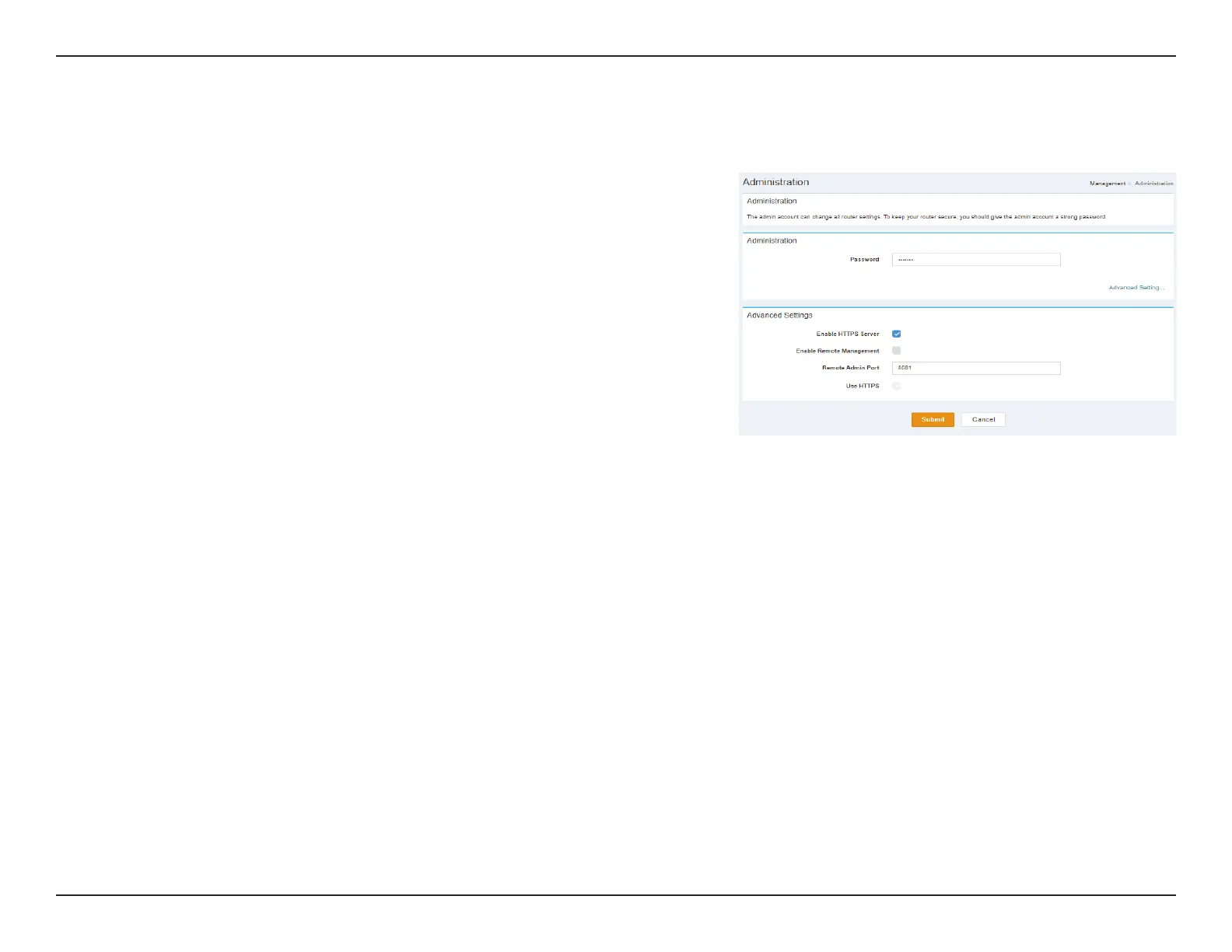
Administration
Administration Advanced Settings
Password: Specify Administration Password of your device.
Advanced Settings
Enable HTTPS
Server:
Indicates whether Enable HTTPS Server is Enabled or Disabled.
Enable
Remote
Management:
Indicates whether Enable Remote Management is Enabled or
Disabled.
Remote
Admin Port:
Specify Remote Admin Port of your device
Use HTTPS: Indicates whether Use HTTPS is Enabled or Disabled.
Click Submit to save your settings, or Cancel to revert to your previous settings.



 To Next Page