33D-Link DWR-978 User Manual
Section 3 - Conguration
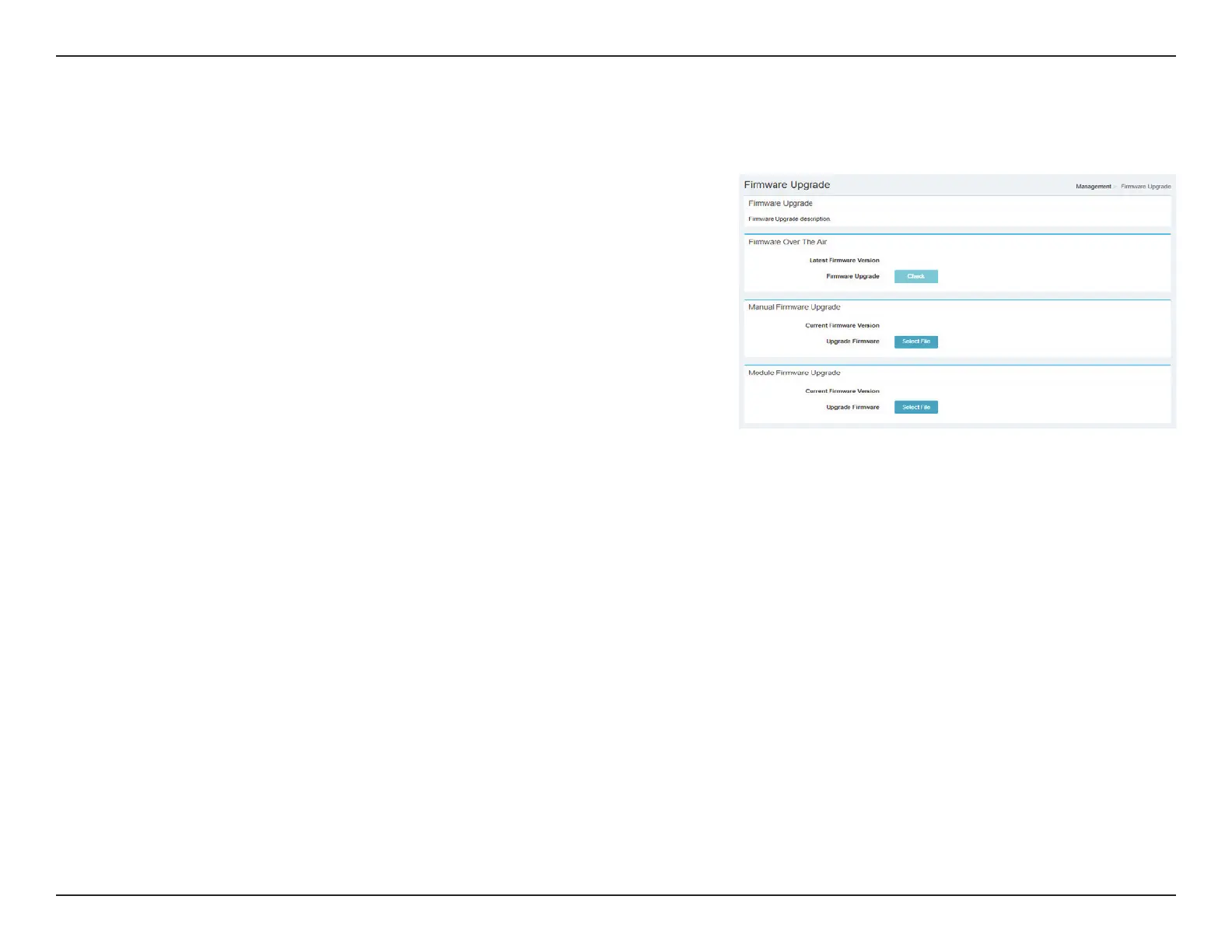
Firmware Upgrade
Firmware Over The Air
Latest
Firmware
Version:
Indicates The Latest Firmware Version.
Firmware
Upgrade:
Click Check to begin the Firmware Over the Air (FOTA) upgrade
process. Note that this requires an active Internet connection.
Manual Firmware Upgrade
Current
Firmware
Version:
Indicates the Current Firmware Version.
Upgrade
Firmware:
After you have downloaded a new rmware, click Select File to
locate the rmware on your computer, then click Apply to start
the rmware upgrade.
Module Firmware Upgrade
Current
Firmware
Version:
Indicates the Current Firmware Version.
Upgrade
Firmware:
After you have downloaded a new rmware, click Select File to
locate the rmware on your computer, then click Apply to start
the rmware upgrade.



 To Next Page