45D-Link DWR-978 User Manual
Section 3 - Conguration
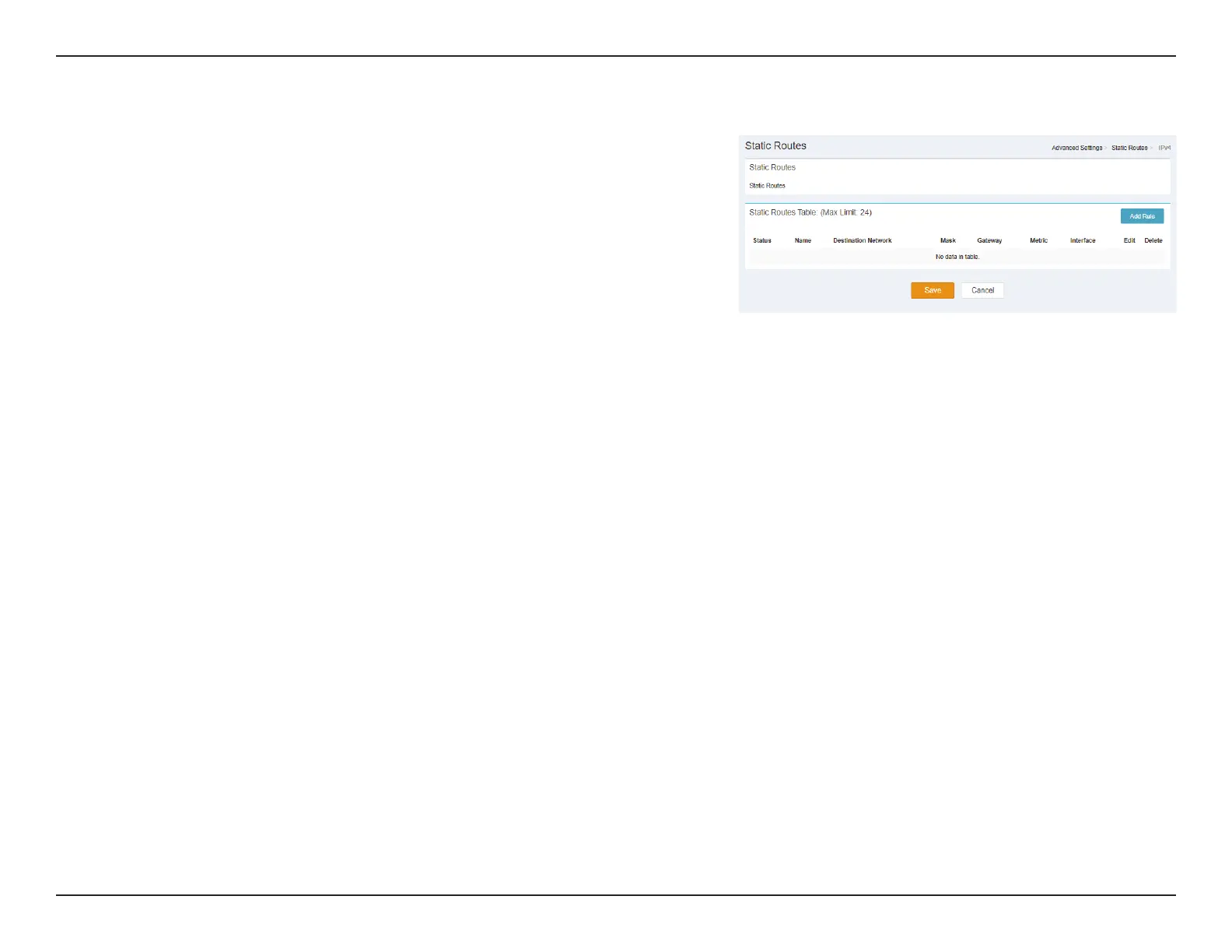
Static Routes IPv4
Static Routes Table: (Max Limit: 24)
Status: Indicates the Status.
Name: Indicates the name.
Destination
Network:
Indicates the Destination Network.
Mask: Indicates the Mask.
Gateway: Indicates the Gateway.
Metric: Indicates the Metric.
Interface: Indicates the Interface.
Edit: Delete the selected Static Route.
Delete: Delete the selected Static Route.
Click Save to save your settings, or Cancel to revert to your previous settings.



 To Next Page