16D-Link DCS-910/920 User Manual
Section 2 - Installation
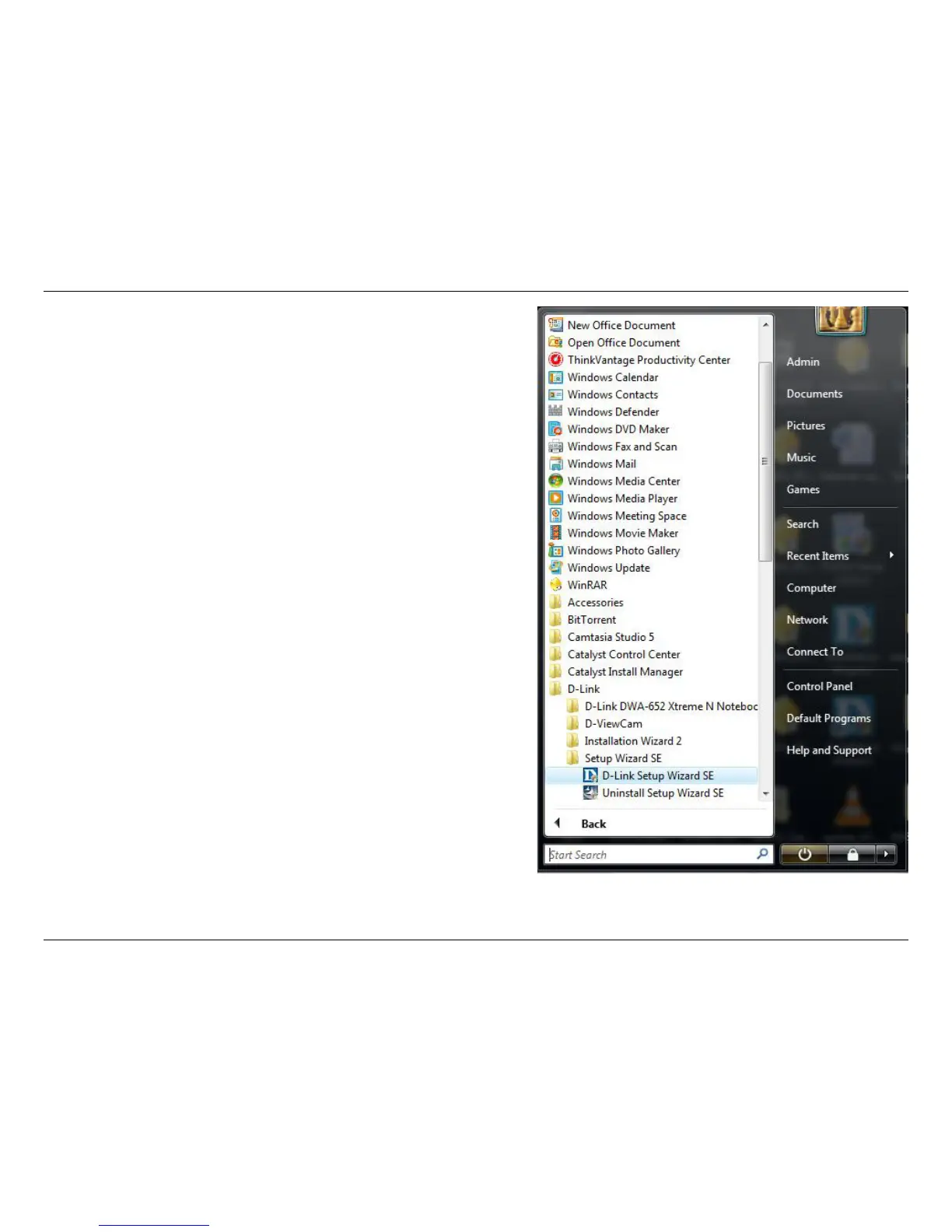
Click on the D-Link Setup Wizard SE icon that was created in your
Windows Start menu.
The Setup Wizard will appear and display the MAC address of the
DCS-910/920, and an IP Address (which may or may not be correct
depending on what you have your DCS-910/920 connected to). If
you have a DHCP server on your network, there will be a valid IP
Address displayed here.
Note: A DHCP server is a device that supplies IP addresses to
your network devices automatically.















 To Next Page