45D-Link DCS-910/920 User Manual
Section 3 - Configuration
Add a Camera
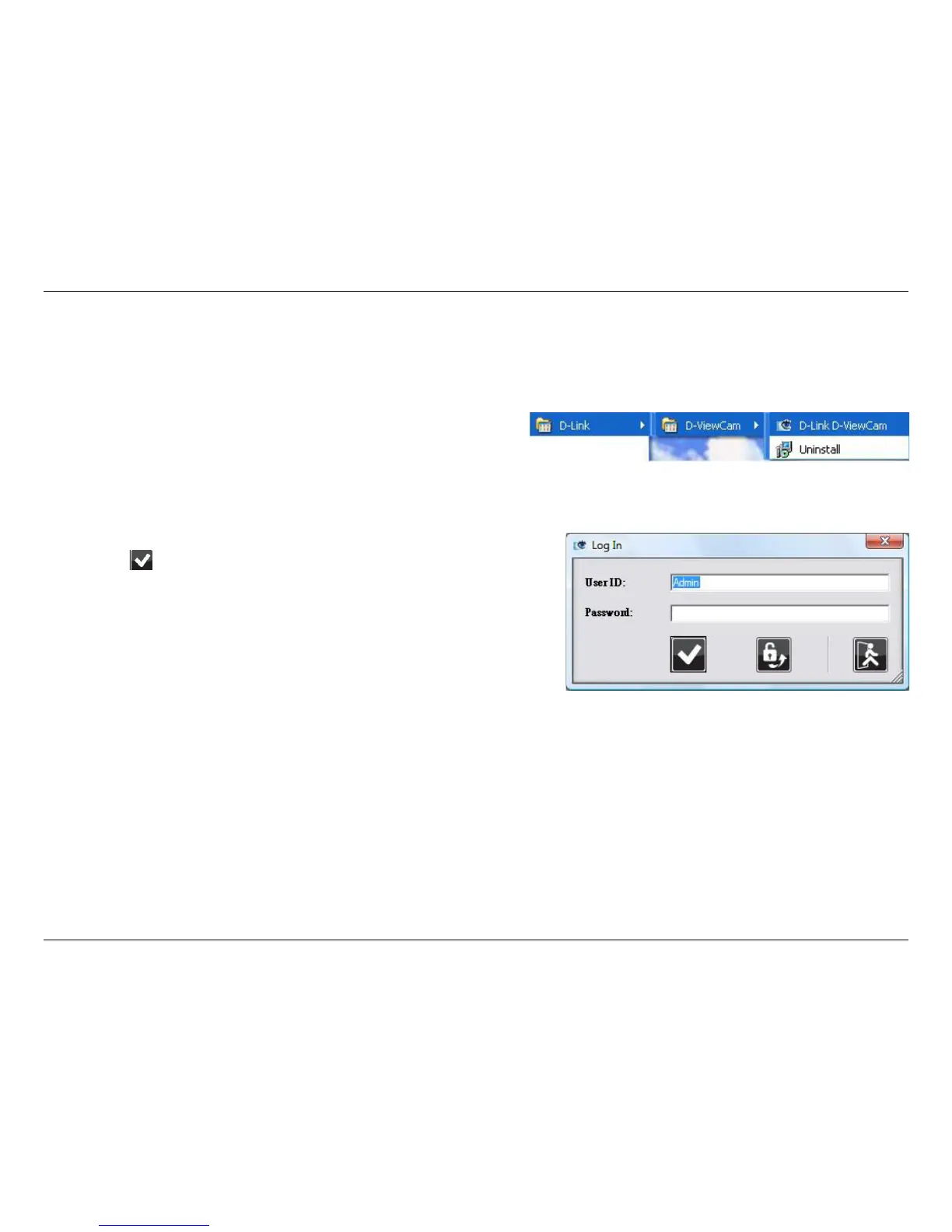
To start D-ViewCam, select Start > All Programs > D-Link >
D-Link D-ViewCam.
Enter Admin as the default user name and leave the password
blank. Click / OK to log into the system and access the Add
Camera Wizard.
Note: Please refer to page 51 in the D-ViewCam user manual
to change your password.
This section will show you how to start and add a camera to the D-ViewCam system.















 To Next Page