9D-Link DCS-910/920 User Manual
Section 1 - Product Overview
Hardware Installation
Note: It is required that an Ethernet cable is used during initial setup. Once your
wireless configuration is set, you may disconnect the Ethernet cable and begin
communicating wirelessly with your DCS-920.
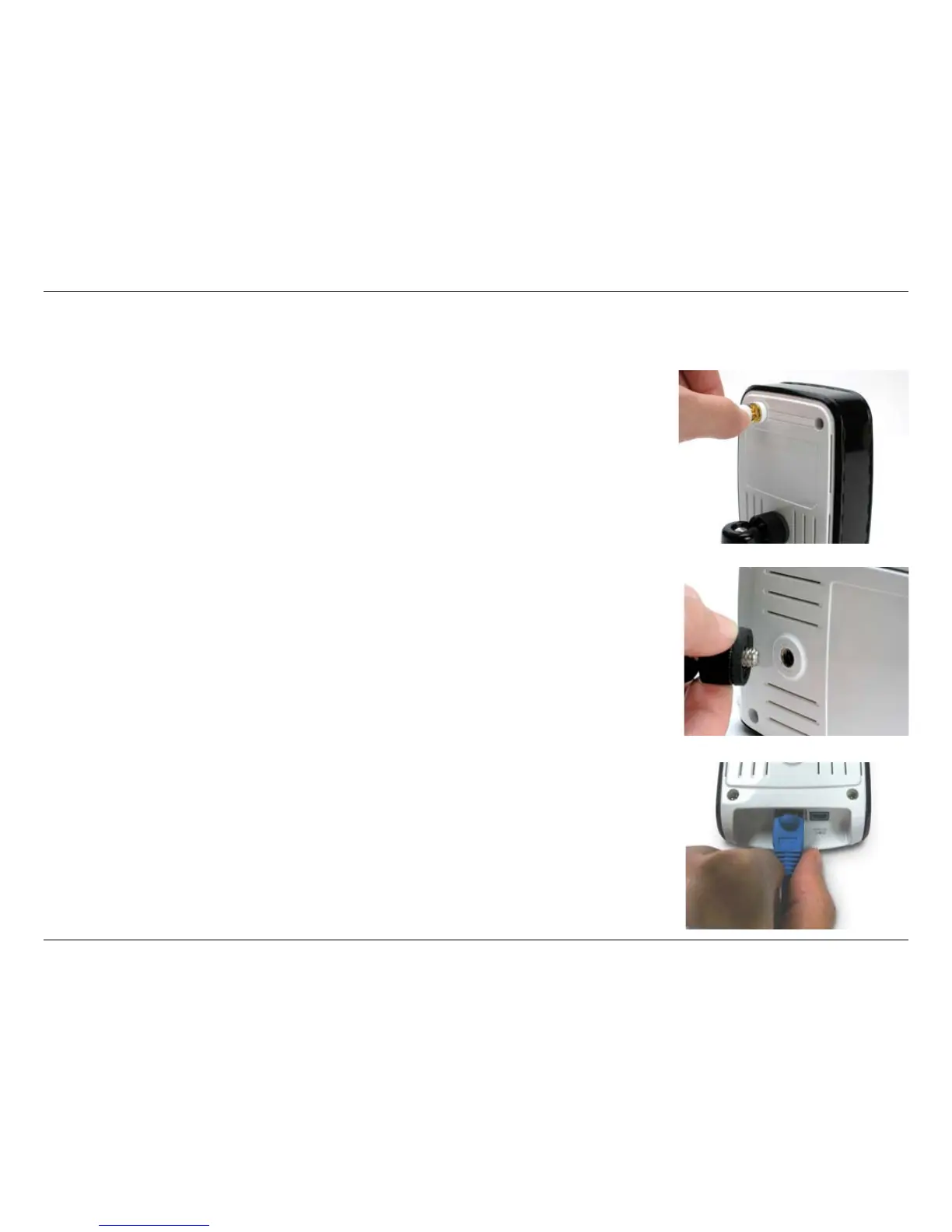
Connect the Ethernet Cable
Connect the included Ethernet cable to the network cable connector located on the
bottom panel of the DCS-910/920 and attach it to the network. Network Connectivity
is confirmed when the green LED Indicator on the DCS-910/920, located below the
Power LED, is illuminated.
Attach the Swivel Stand
Locate the stand mount on the back panel of the DCS-910/920 and screw on the swivel
stand to the DCS-910/920.
Attach the Antenna*
Locate the antenna included with your DCS-920 and attach it to the antenna connector
located on the back of the DCS-920.
* Wireless Antenna is provided with the DCS-920 only.















 To Next Page