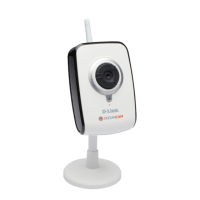
30D-Link DCS-2120 User Manual
Section 3 - Configuration
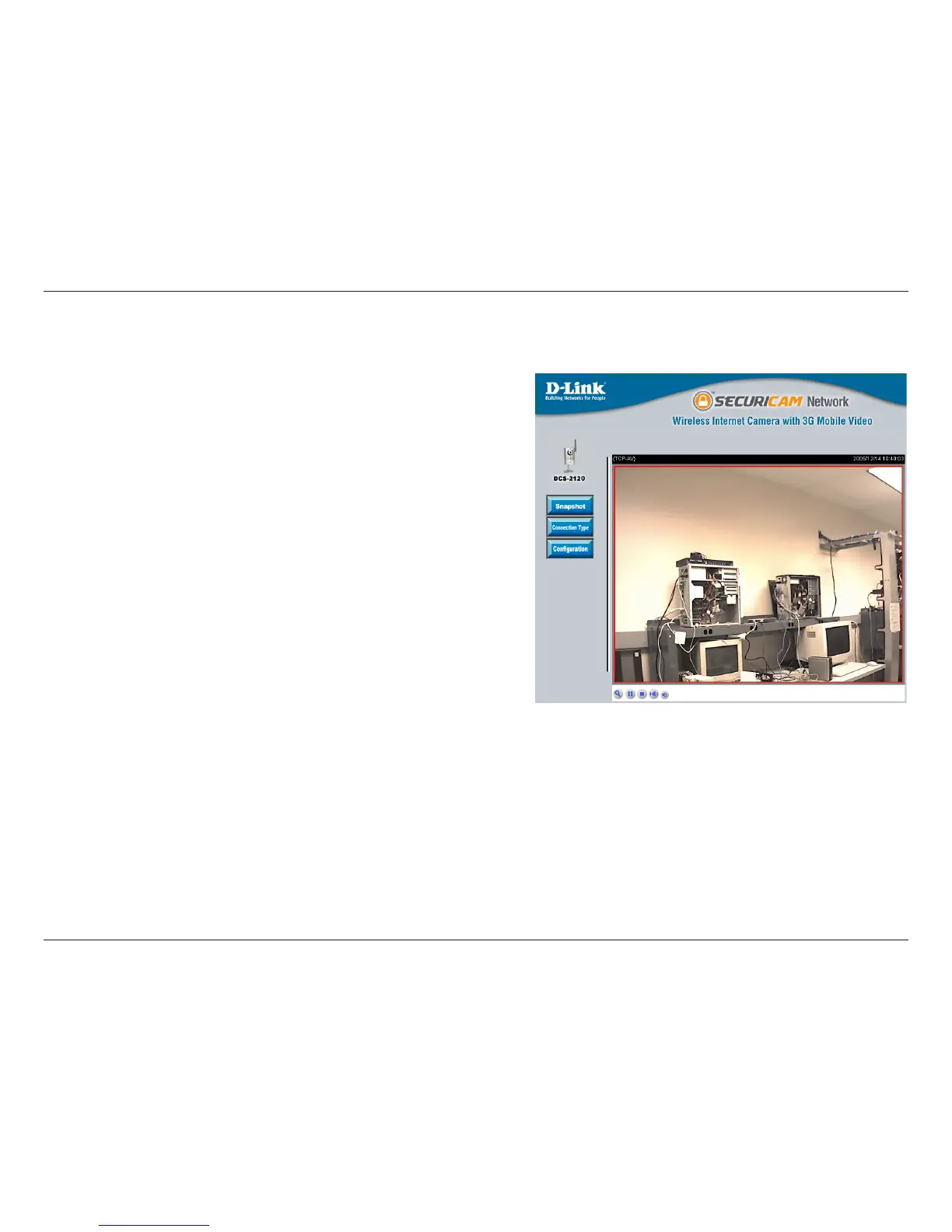
Click on the Snapshot button to capture a snapshot
image. The image will pop up in a new window. This
image can be saved into the local hard drive.
Click on the Connection Type button to change settings
related to the camera connection.
Click on the Configuration button to access the
configuration menu where you can configure the camera
settings under the Advanced, Tools, and Status tabs.
Click the Zoom button below the image to display the
digital zoom control panel. Using the bar, you can select
to view the image up to 400% of the original size.
The image from the DCS-2120 should be visible from the Home page on your computer monitor.
Home Page Screen
Snapshot:
Connection Type:
Configuration:
Zoom:




 To Next Page