8D-Link DCS-2120 User Manual
Section 1 - Product Overview
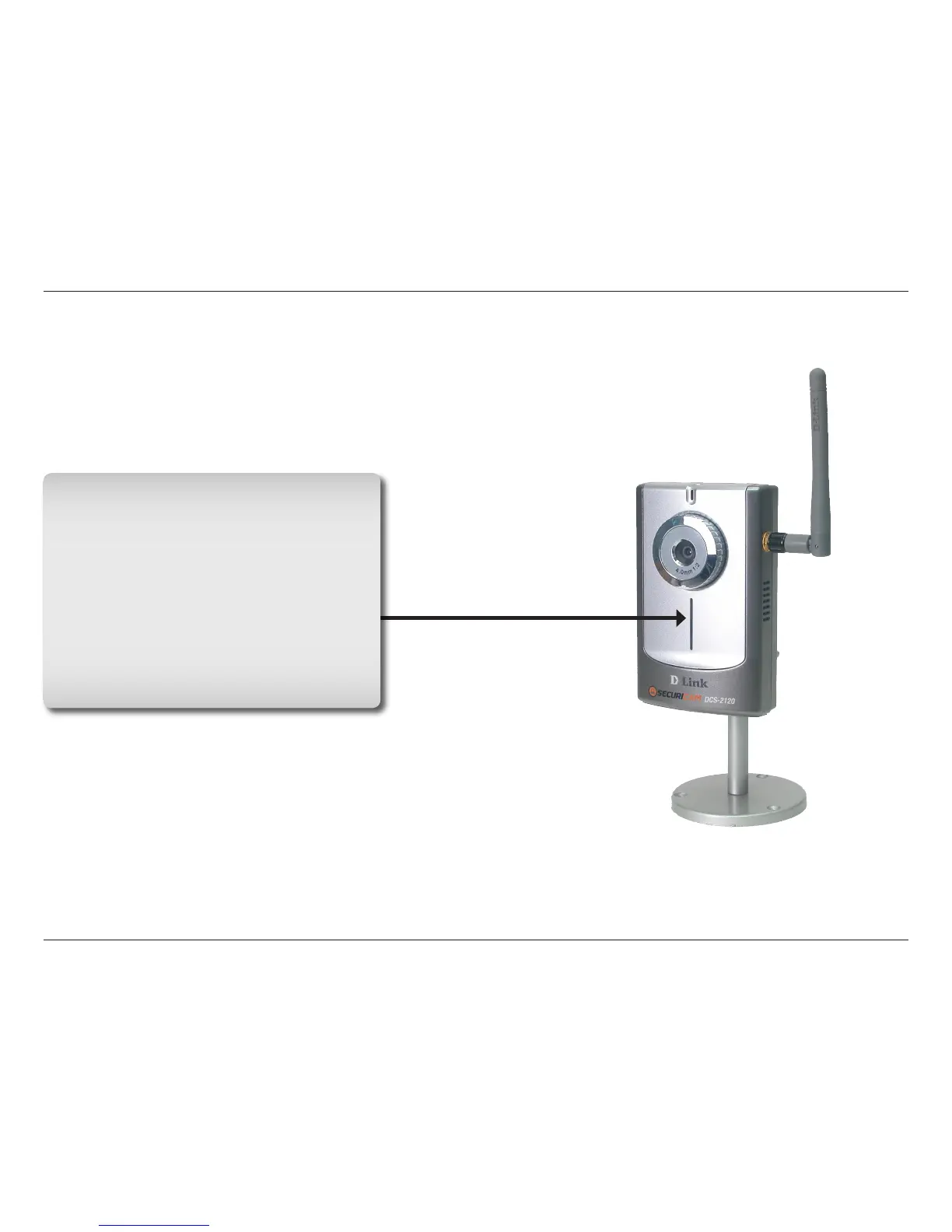
Power LED
The power LED is positioned in the center of
the camera below the Internet Camera Lens.
As soon as the power adapter is connected
to the camera, the power LED will flash red
and blue several times, indicating that the
DCS-2120 is conducting a self-test. Upon
passing the self-test, the LED will turn blue,
indicating a good connection to an Ethernet
or wireless connection. A red LED indicates
that no connection has been made.
LEDs




 To Next Page