72D-Link DCS-2120 User Manual
Section 3 - Configuration
Camera Configurations
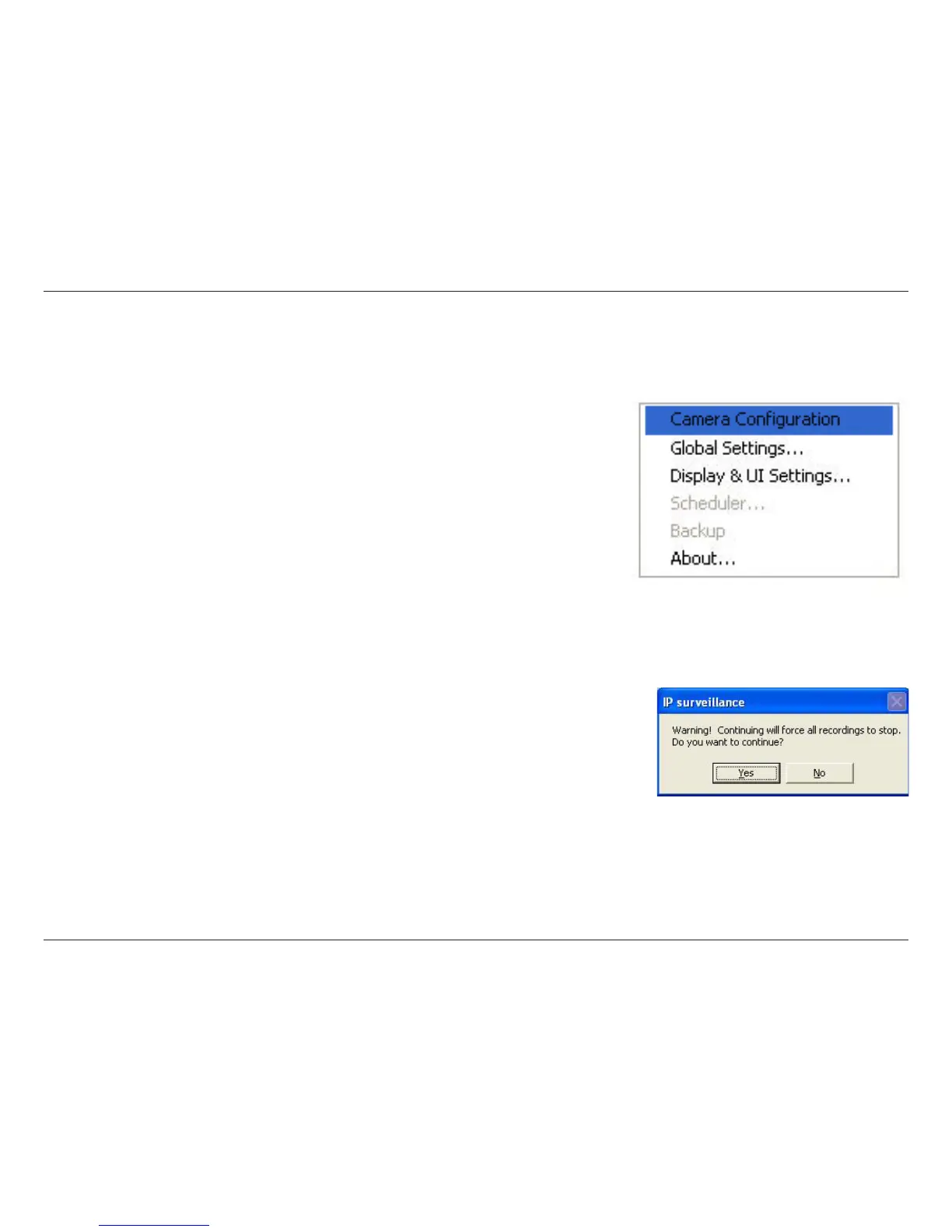
When you log in for the first time, you should configure this application software to connect the DCS-2120 in Configuration
Menu > Camera Configurations, shown in the figure below. You will need the admin (administrator) password of the
camera in order to run the configuration.
Once you click Configuration Menu > Camera Configurations for setting each camera, all recording processes will
be stopped indicated by a warning window popped up in advance to keep you informed.




 To Next Page