45D-Link DCS-2120 User Manual
Section 3 - Configuration
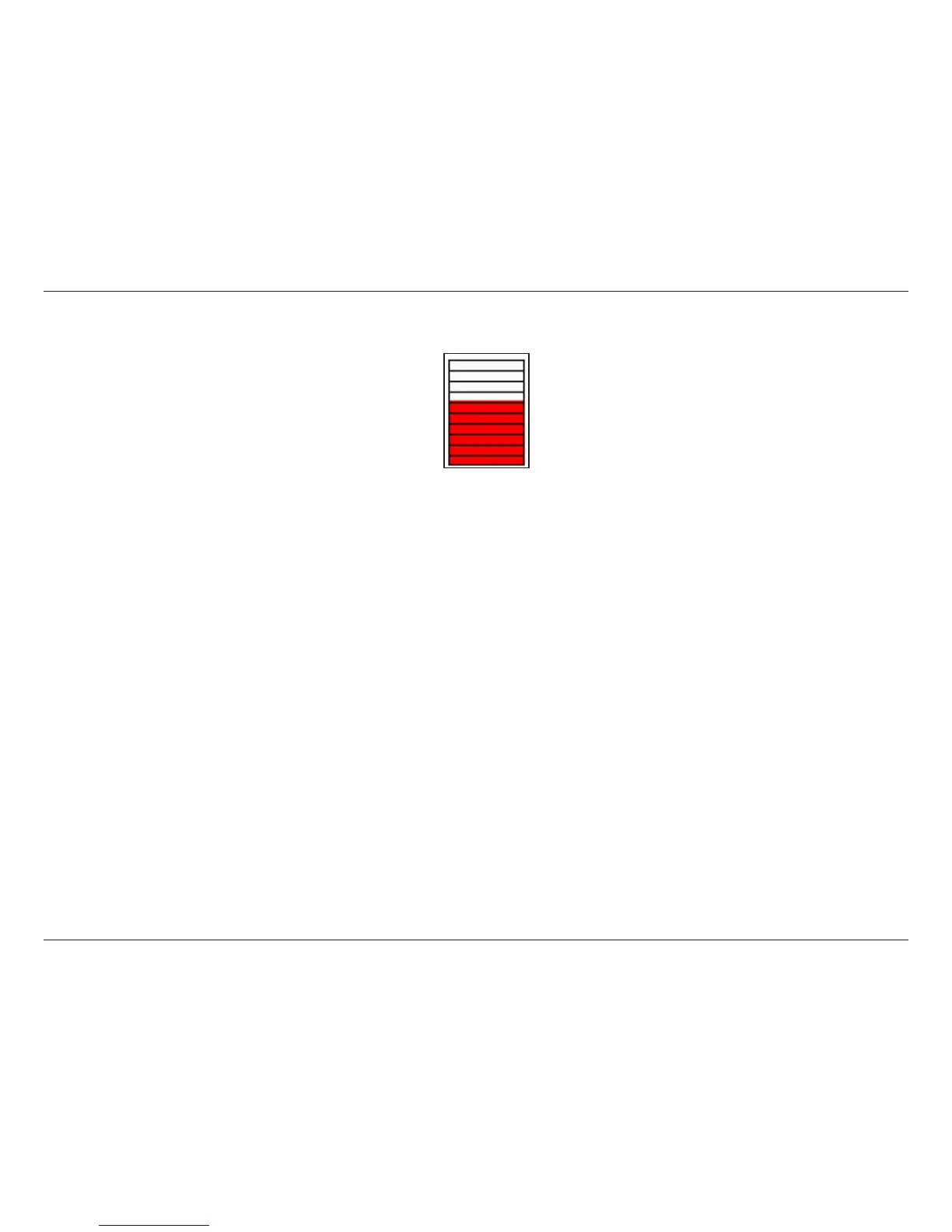
A green bar means the image variation is under the monitoring level, and no motion detection alert is triggered. A red
bar means the image variation is over the monitoring level and a motion detected alert is triggered. When the bar goes
red, the window that the motion is detected in will also be outlined in red (Note: remember that you can have up to 3
windows selected for motion detection). You can return to the DCS-2120 Home Page and the monitored window will
not be visible, but the red frame will show on the home page when motion is detected.
To display motion detection, a graphic bar will rise or fall depending on the image variation.




 To Next Page