77D-Link DCS-2120 User Manual
Section 3 - Configuration
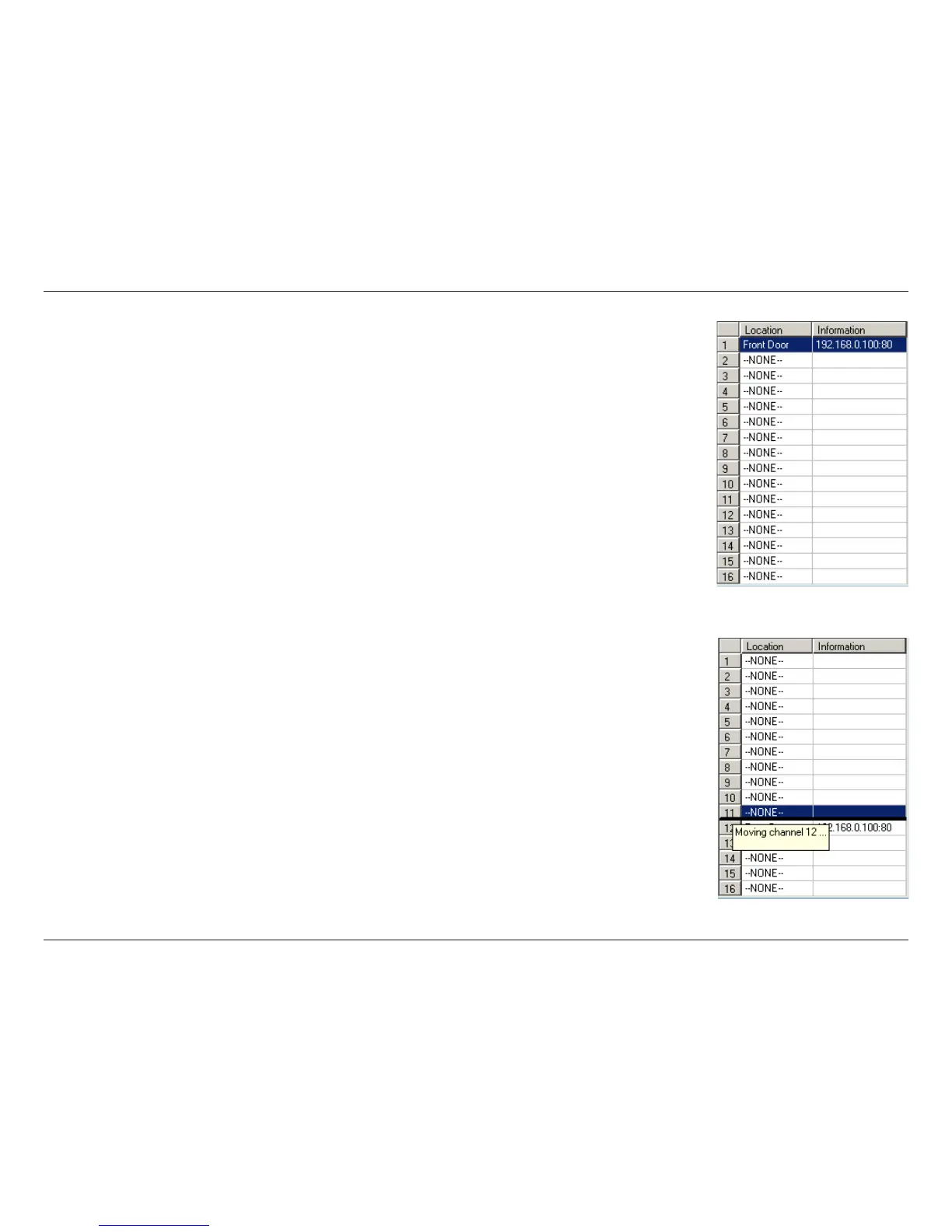
Press and hold the left mouse button at the gray index field of the camera you would like
to move.
Drag the mouse to your new selected location and release the mouse button. Then Video 1 will be moved (to the 12th
row in this example).
Once you click the Save button (see page 73) in the left-bottom corner of this window, the
changes for all camera configurations will be saved and will be applied immediately to the
IP surveillance.




 To Next Page