93D-Link DCS-2120 User Manual
Section 3 - Configuration
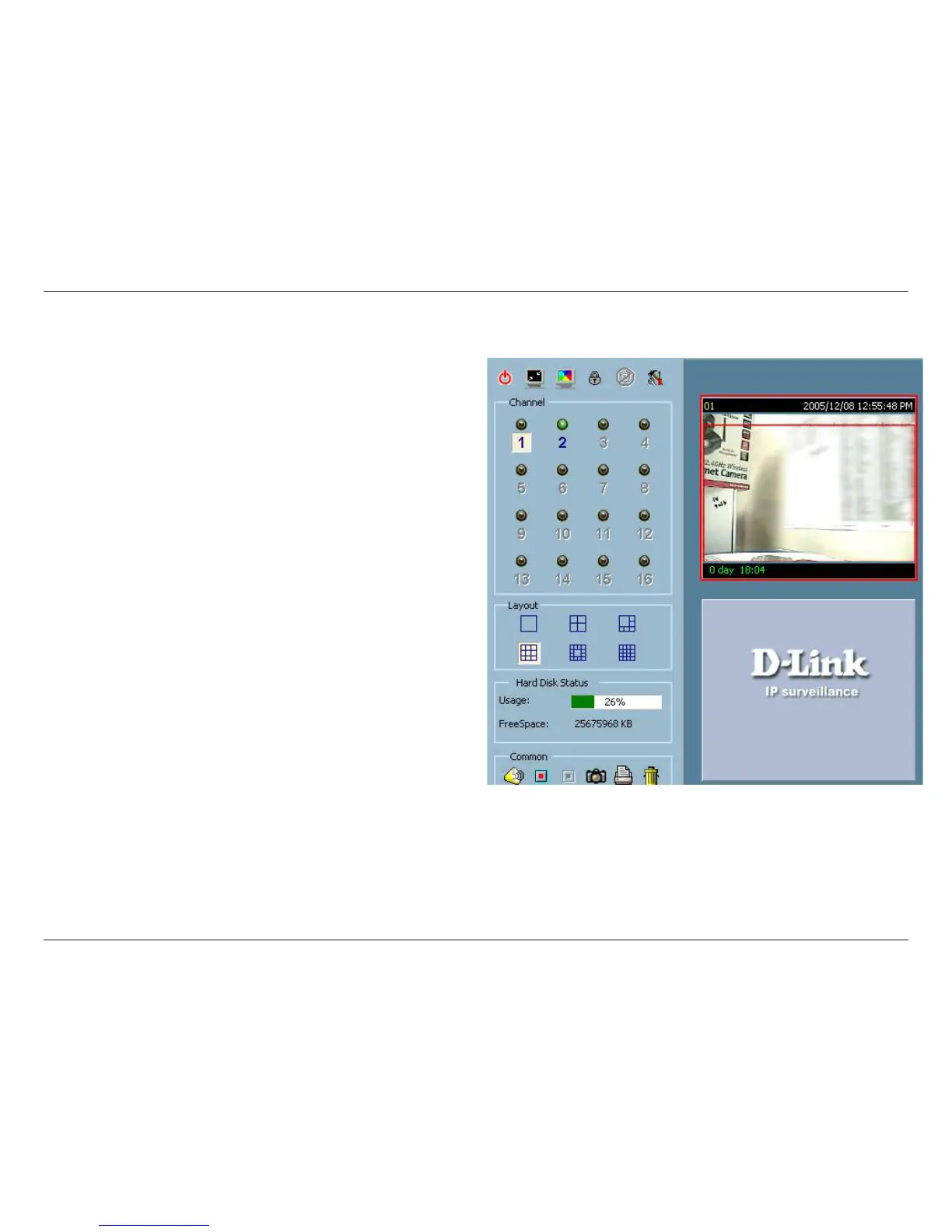
Removing video from a display window
Step 1: Move the mouse cursor to the display window that
contains the video channel you wish to remove.
Step 2: Note that the cursor will change to the hand-shape
when it has been moved onto the displaying frame. After
that, press the left mouse button and hold it.
Step 3: Move the cursor, while still holding the left mouse
button, to the trashcan in the common area of the monitor
program.
Step 4: When the cursor shape changes to an arrow-shape
over the trashcan, release the left mouse button. The video
in the corresponding display window will disappear.






 To Next Page