169D-Link ShareCenter DNS-327L User Manual
Section 4 - Conguration
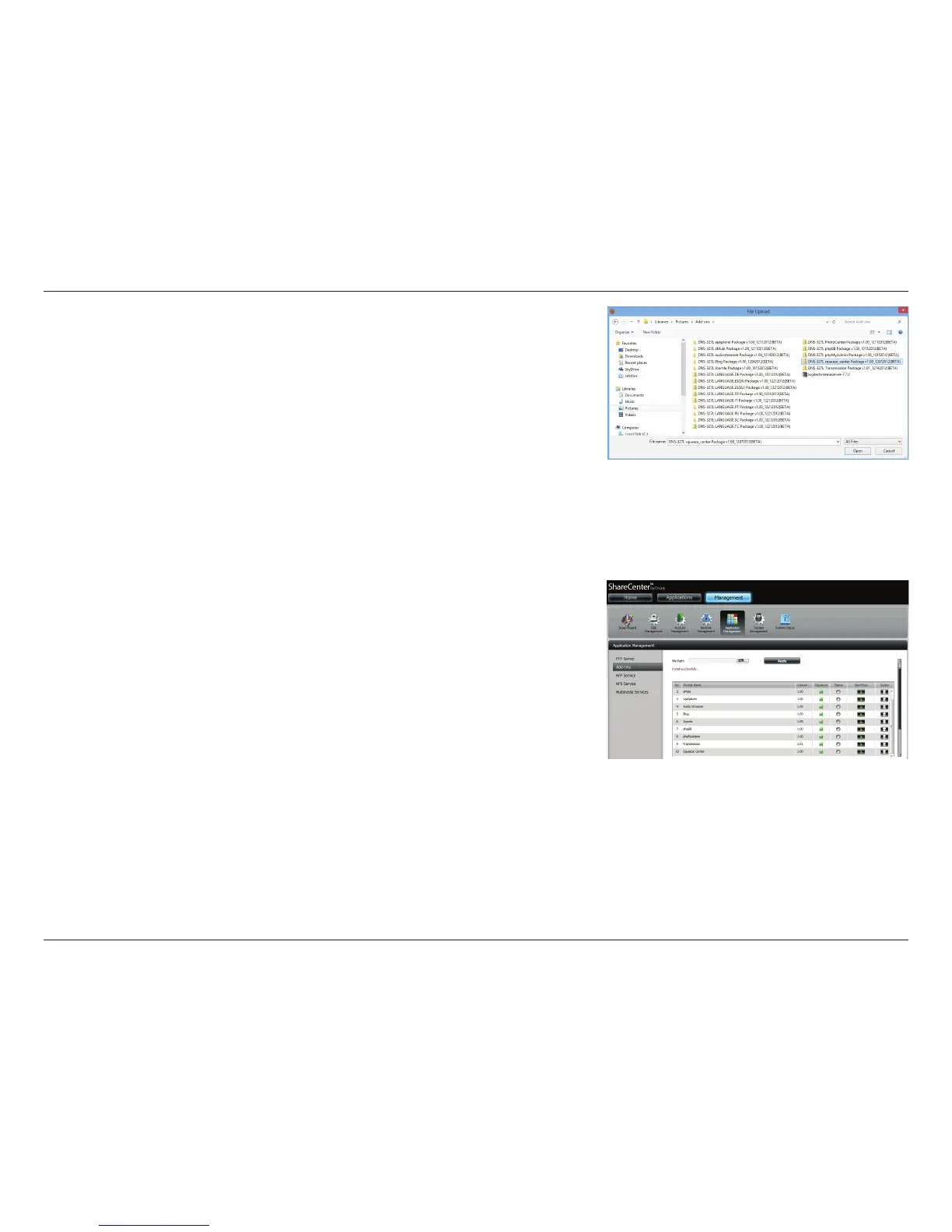
To add a new program, click Browse next to the File Path eld. Locate the
installation le for the target add-on and click Apply to commence the
installation.
Add-on les are available on the ShareCenter CD, or can be downloaded
from the D-Link support site
Once the path of the package you want to install has been located, click
Apply to add the package.
Under Add-ons, a red message will appear to show that the installation of
the package was successful.
Click the green arrow button under Start/Stop to enable the add-on.



 To Next Page
 Loading...










