242D-Link ShareCenter DNS-327L User Manual
Section 4 - Conguration
Unzipping a Zipped File
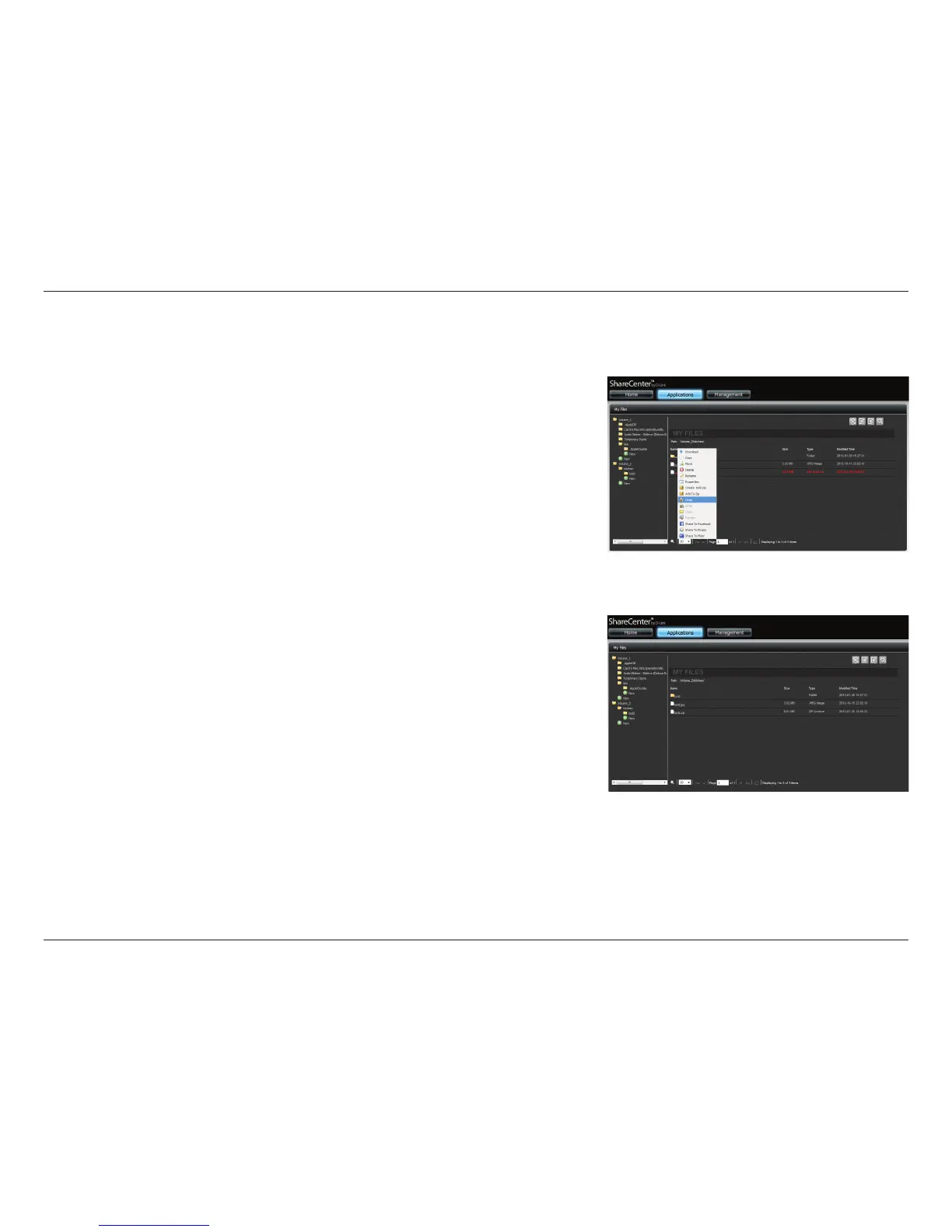
Go to Applications>>My Files. Browse any of the folders on the left pane, right
click any zipped les in the right pane. Select Unzip.
The wizard will unzip the zipped le.
A new folder is created for the unzipped le. The new folder will have the same
name as the zipped le.



 To Next Page
 Loading...










