181D-Link ShareCenter DNS-327L User Manual
Section 4 - Conguration
This section allows you to add language packs for the DNS-327L’s user interface. Language packs can be downloaded from
the D-Link website or the included installation CD. If you disable the language pack, the user interface language will return to
English.
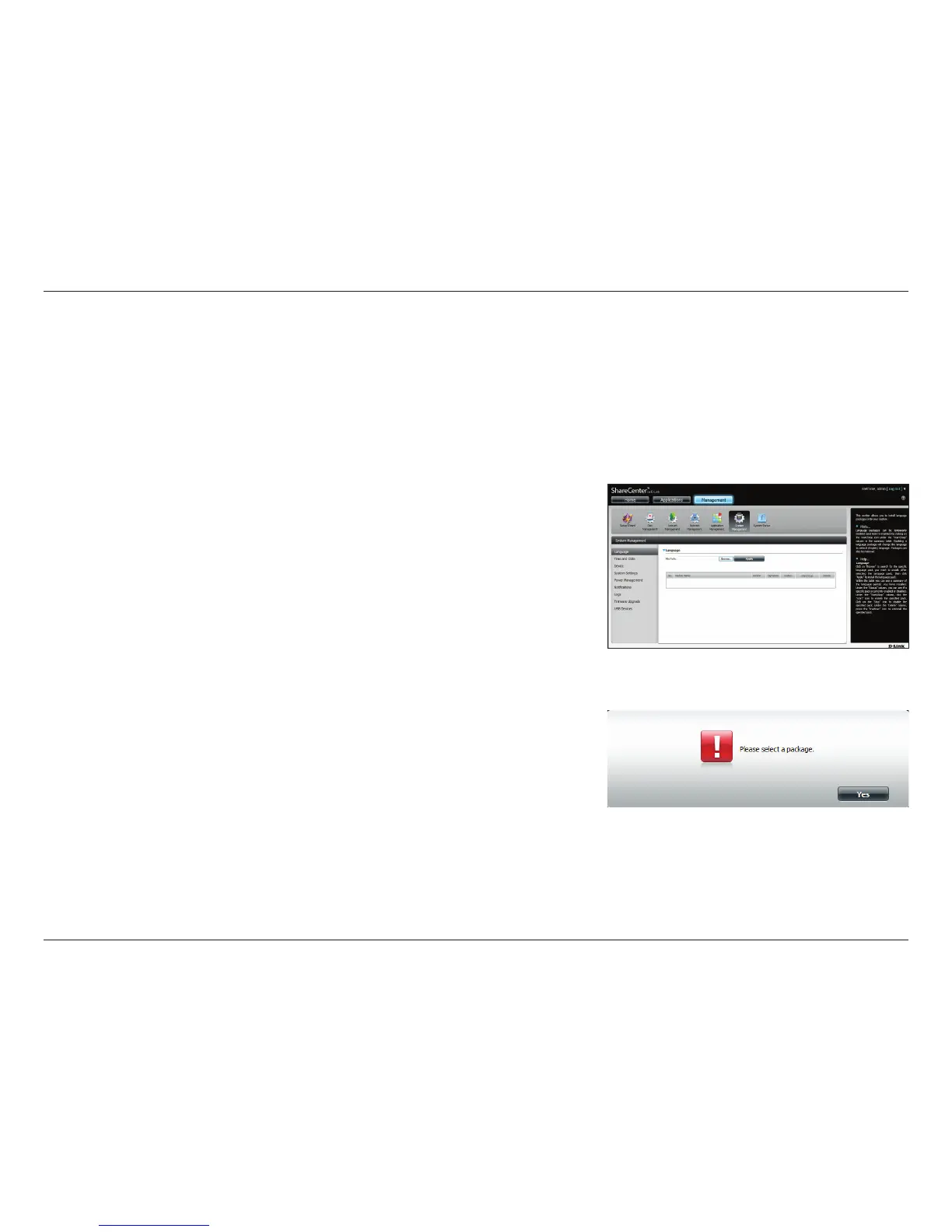
Click System Management >>Language to install a new language pack.
Click on Browse to search for the specic language pack you want to install.
After selecting the language pack, click Apply to install the language pack.
If you have not selected a language package, a message will prompt you to
locate one.
Click Yes to continue.
System Management
Language



 To Next Page
 Loading...










