171D-Link ShareCenter DNS-327L User Manual
Section 4 - Conguration
Multimedia Services
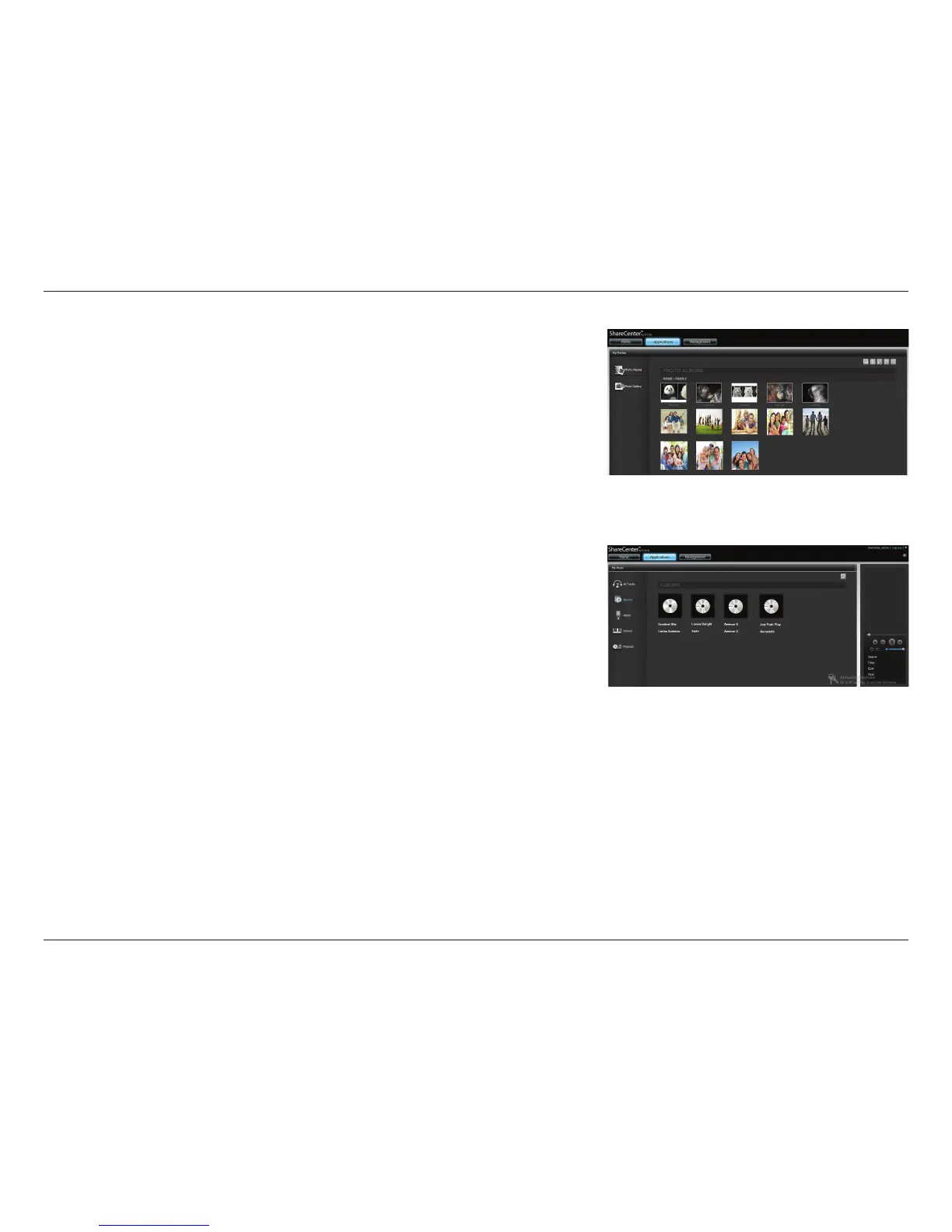
The Multimedia Share Settings creates a media library from the photos,
videos, and audio les stored on your Sharecenter. Users can upload les to the
designated “Media Share” folders on the DNS-327L and have the multimedia
services collate, organize and publish the content in one library. Once these
photos, videos, and music les are uploaded to the “Media Shares” folders, the
system will generate the media library. Users can see thumbnail views from the
My Music and My Photos panel.
Note: The system may become slow when generating the media library,
especially when processing with a large number of les. After a media library
is created, whenever you copy new media les into the Media Share folder,
new media les in the folder will be automatically added to the media library.
The My Music service provides detailed information on the genres, le size and
cover art. My Photos creates automatic albums and collates them according
to your collection.
These categories, My Photos and My Music (including any video data you
might have), oer stable features you can use smoothly on your DNS-327L. One
feature most useful is: Enhanced Content Aggregation.
Enhanced Content Aggregation allows you to pause/resume images, music
and videos more easily without lag. Within multimedia the DNS-327L also
oers the current processing le name and how many les still remain for you
to upload or download.



 To Next Page
 Loading...










