73D-Link ShareCenter DNS-327L User Manual
Section 4 - Conguration
Hard Drive Conguration Wizard
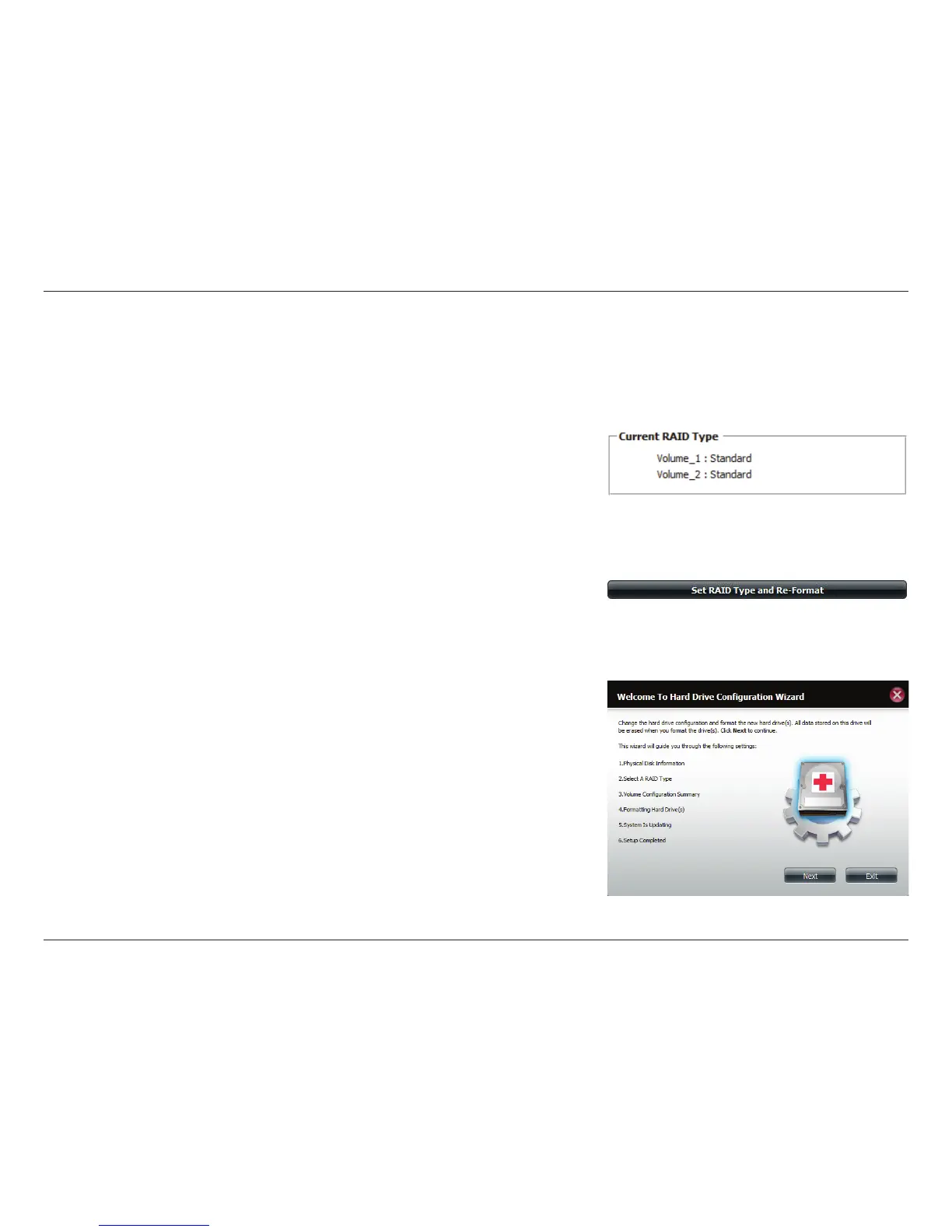
When you click on the Set RAID type and Re-Format button in the Disk Management-Hard Drive Conguration menu, a wizard
will start, allowing you to format your drives and create the volume RAID format. The following is an example of a standard
volume conguration:
The Hard Drive Conguration page displays the current RAID conguration
under ‘Current RAID Type’.
Click Set RAID Type and Re-Format.
The Hard Drive Conguration Wizard will begin. Click Next to continue.



 To Next Page
 Loading...










