193D-Link ShareCenter DNS-327L User Manual
Section 4 - Conguration
USB Devices
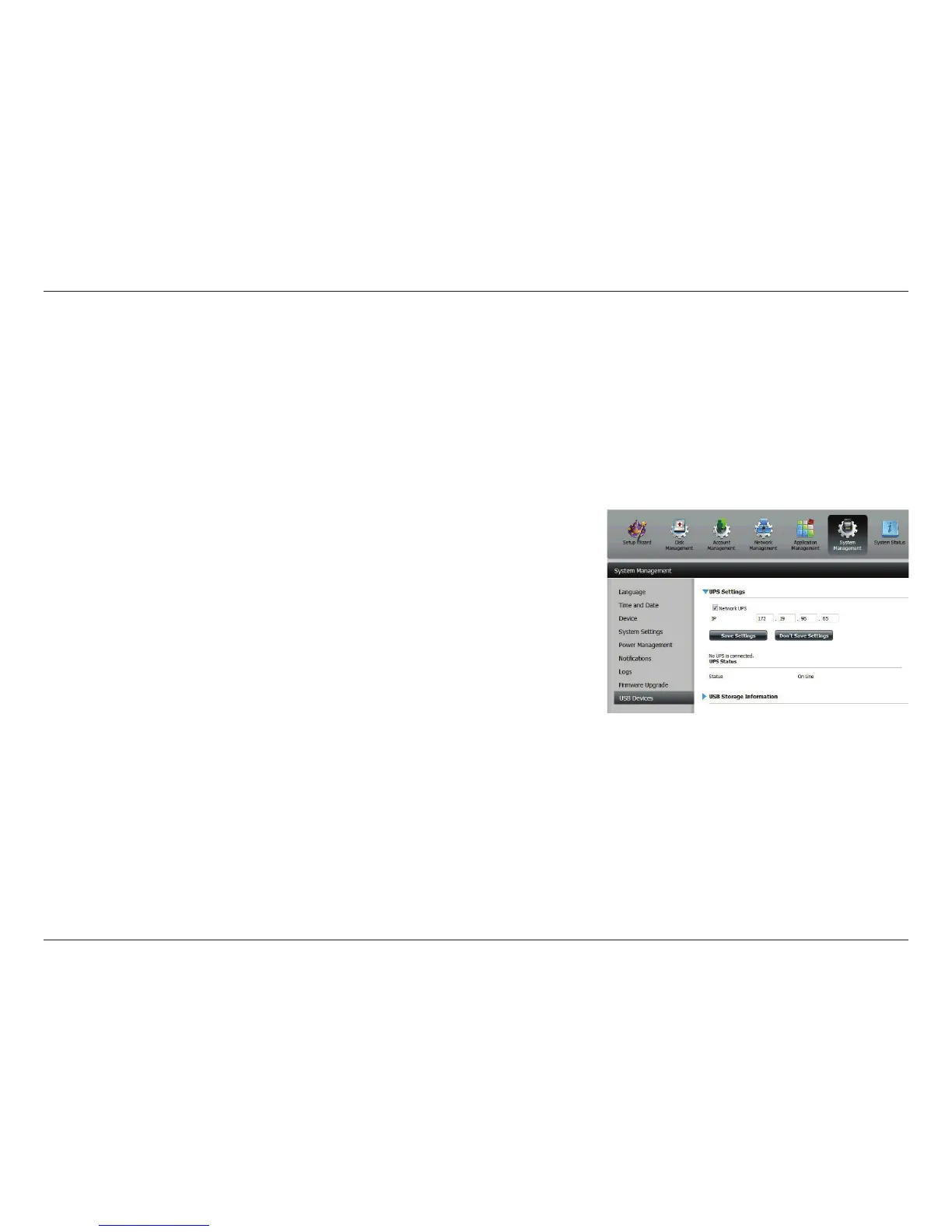
UPS Settings
Network UPS is a system management feature that uses a local UPS to protect your NAS from an abnormal shutdown due to
a power failure.
To enable Network UPS to your NAS (Network Slave Mode):
1. Click to enable the Network UPS.
2. Enter an IP address of the Network UPS Master.
3. Click Save Settings to receive the critical power status from the net-
work UPS master.
The UPS Status will display the current status of your UPS.
Note: Make sure that the ShareCenter is in the same network as the network UPS
master.
If a UPS device is connected to the USB port on your NAS, you can select
either Stand-Alone or Master mode. If you select Master mode, you will have
to enter the IP address(es) of the network UPS slaves to notify them in the
event of a power failure. For more details, refer to ”UPS Connectivity” on page
390.



 To Next Page
 Loading...










