162D-Link ShareCenter DNS-345 User Manual
Section 4 - Conguration
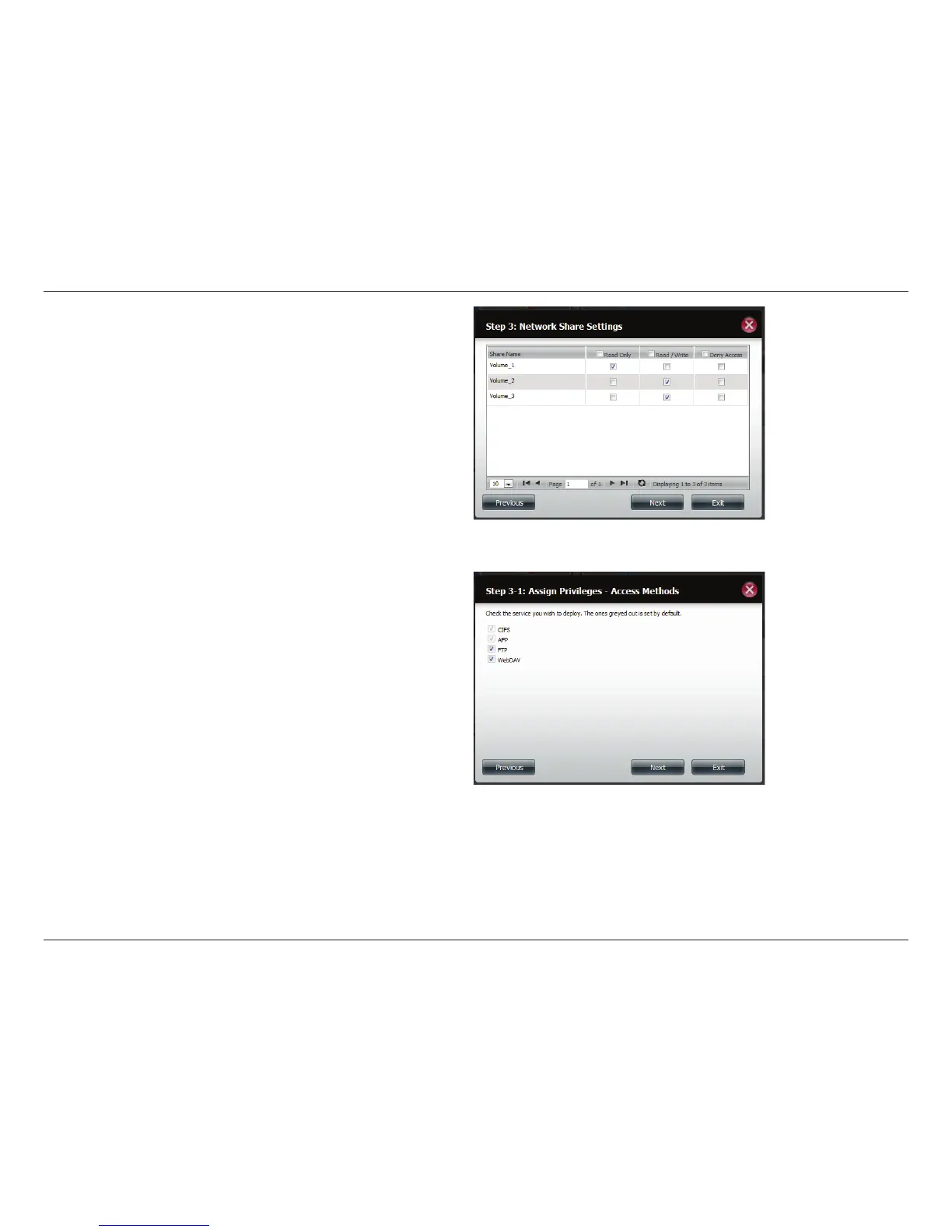
Step 5 - Select the Network Share Settings (read, read/write,
deny access) for the corresponding disk volume for the group.
Click Next to continue.
Step 6 - Select the Privileges/Access Methods you want to
assign to the group. The greyed out selections are assigned
by default.
Click Next to continue.



 To Next Page
 Loading...











