36D-Link ShareCenter DNS-345 User Manual
Section 4 - Conguration
ShareCenter Web UI (User Interface) is a browser-based utility that allows you to manage and congure the dierent tools and services. The Web
UI is divided into three main sections:
1. Home
2. Applications
3. Management
Managing your DNS-345
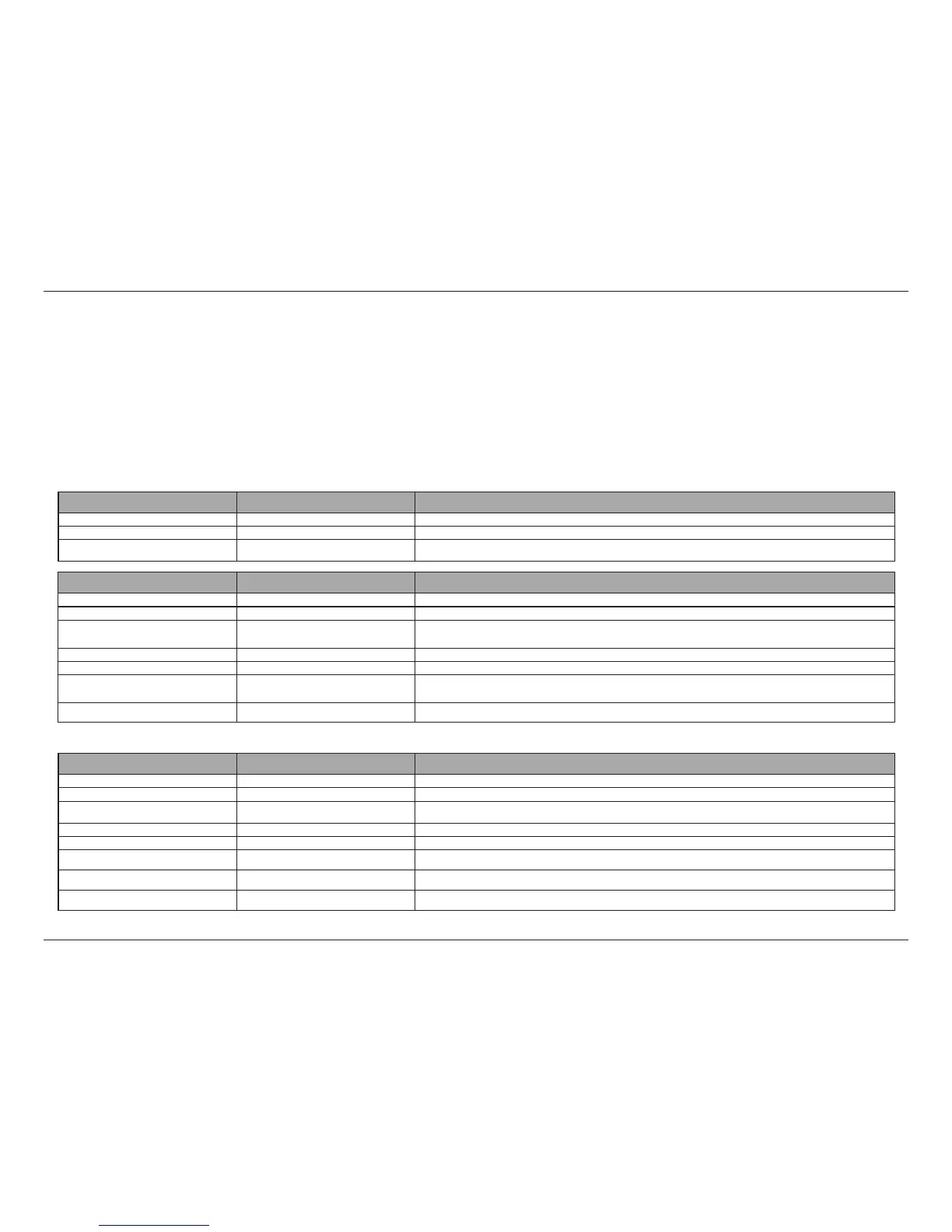
SECTION OPTION DESCRIPTION
Management Setup Wizard Step by step guide through password & time settings, connectivity, and device conguration
Disk Management Congures disk volumes, RAID, and performs disk diagnostics
Account Management Congures user and group management, network shares, active directory paths, and distributed
le systems
Network Management Congures LAN, Dynamic DNS, and Port Forwarding
Application Management Congures FTP, UPnP, iTunes server congurations, Add-ons, AFP, and NFS services
System Management Congures language, time and date, device, and system settings. Also allows you to control power,
notications, view logs, do rmware upgrades, SNMP checks and manage USB devices.
System Status Displays system and hard drive information along with resource monitoring
SECTION OPTION DESCRIPTION
Applications FTP/HTTP Downloads Congure FTP and HTTP download settings
Remote Backup Congure remote backup services
Local Backups Congures local backups, Time Machine© settings, and USB backups
P2P Downloads Congure your P2P downloads and control your download schedules
My Files Access les on your NAS via a web browser
Amazon S3 Create, modify, and delete your Amazon S3© settings
My Photos Create albums and manage photos, share photos through social networking sites, and slideshows
mydlink Cloud Share, stream, and manage les on your NAS from the Internet via mydlink portal.
SECTION OPTION DESCRIPTION
Home - My Folder My Photos Create albums and manage photos, share photos through social networking sites, and slideshows
My Files Access les on your NAS via a web browser
mydlink Cloud Congures mydlink Cloud services (remote access to your les)
Conguration



 To Next Page
 Loading...











