172D-Link ShareCenter DNS-345 User Manual
Section 4 - Conguration
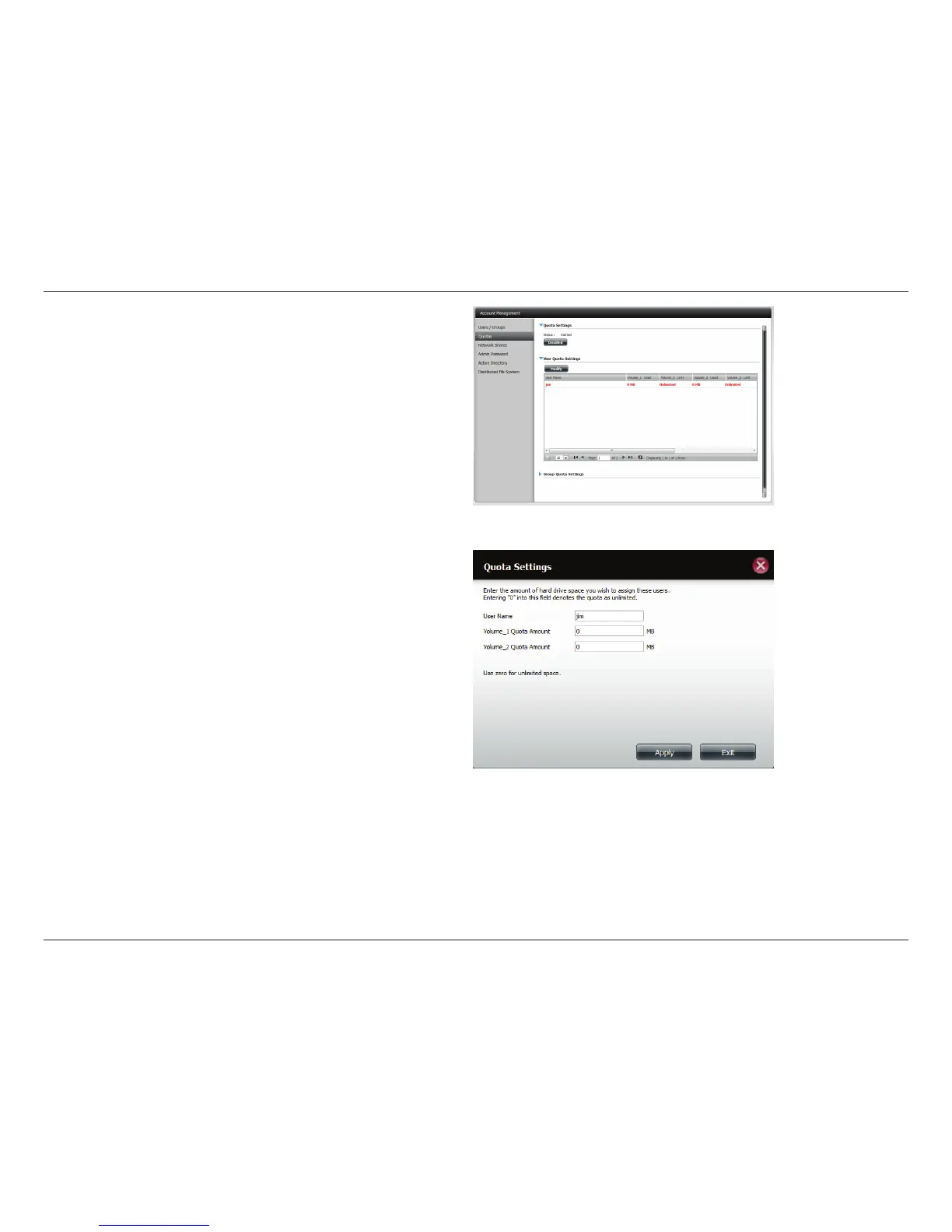
Select the User you want to modify. Your selection will turn red.
Click Modify to change the user’s settings.
The Quota Settings conguration box will display the user
account you want to modify. Enter a new quota amount for
each volume.
Click Apply to conrm your settings.



 To Next Page
 Loading...











