179D-Link ShareCenter DNS-345 User Manual
Section 4 - Conguration
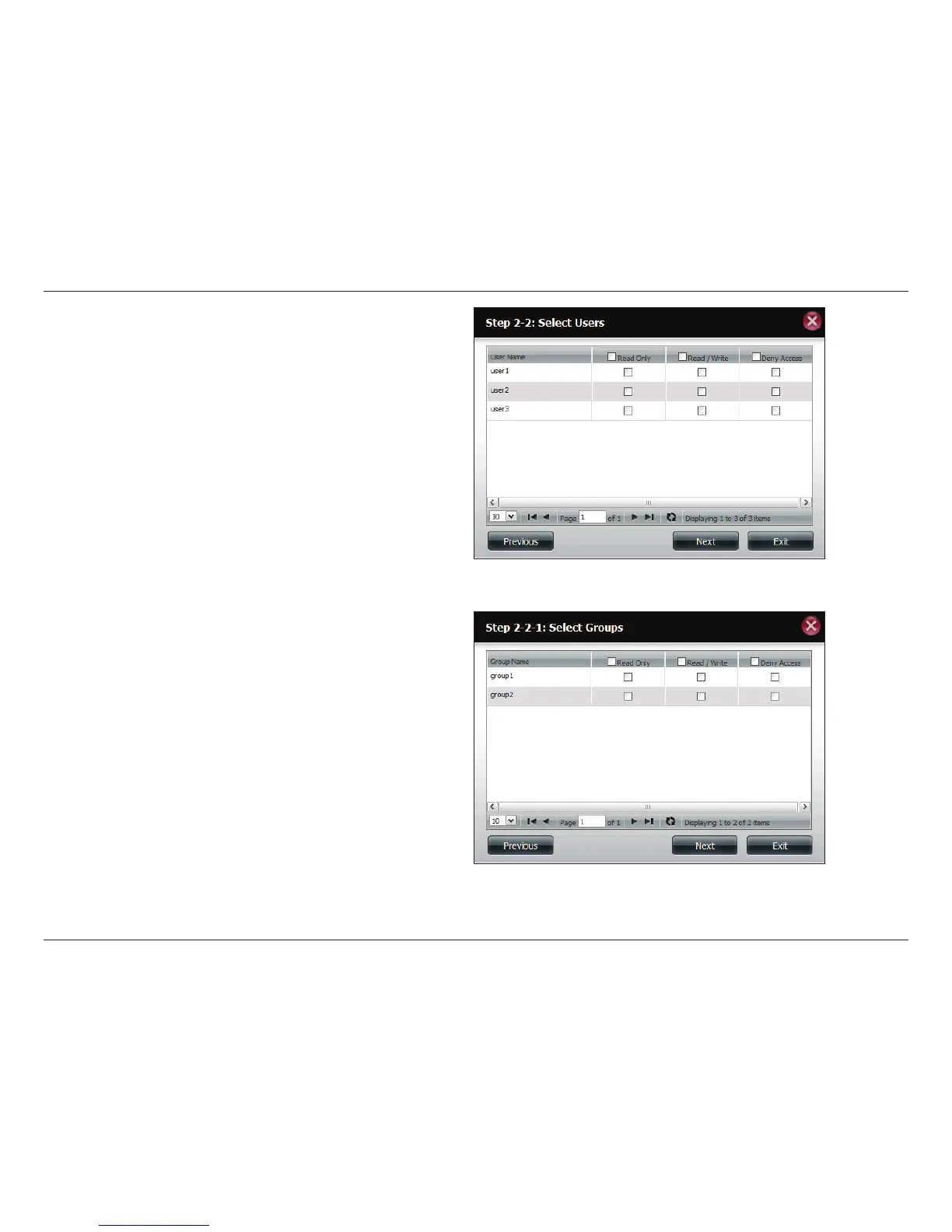
Step 5 - If you selected Specic User/Group in Step 3, then this
step allows you to set the access rights for each User congured
on the ShareCenter.
Click Next to continue.
Step 6 - If you selected Specic user/Group in Step 3, then
this step allows you to set the access rights for each Group
congured on the ShareCenter.
Click Next to continue.



 To Next Page
 Loading...











