20D-Link ShareCenter DNS-345 User Manual
Section 3 - Installation
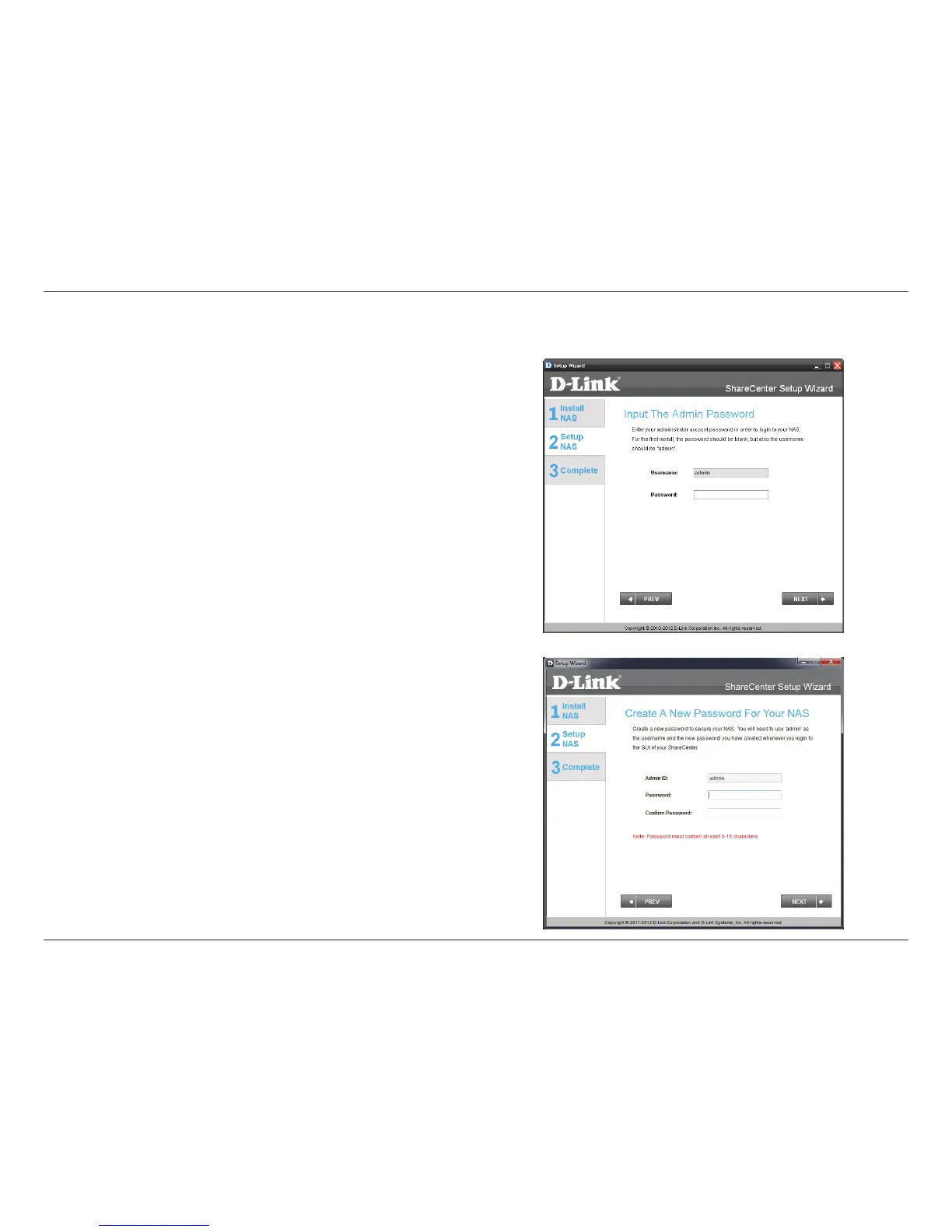
Step 9 - Enter the administrator password. If this is the rst time you
are doing the installation on this NAS, leave the password blank.
Click Next to continue.
Step 10 - In this step you can create a new password for the Admin
username. It is recommended you set a password, however you may
also leave the elds blank.
Click Next to continue.
Admin Password



 To Next Page
 Loading...











