22D-Link ShareCenter DNS-345 User Manual
Section 3 - Installation
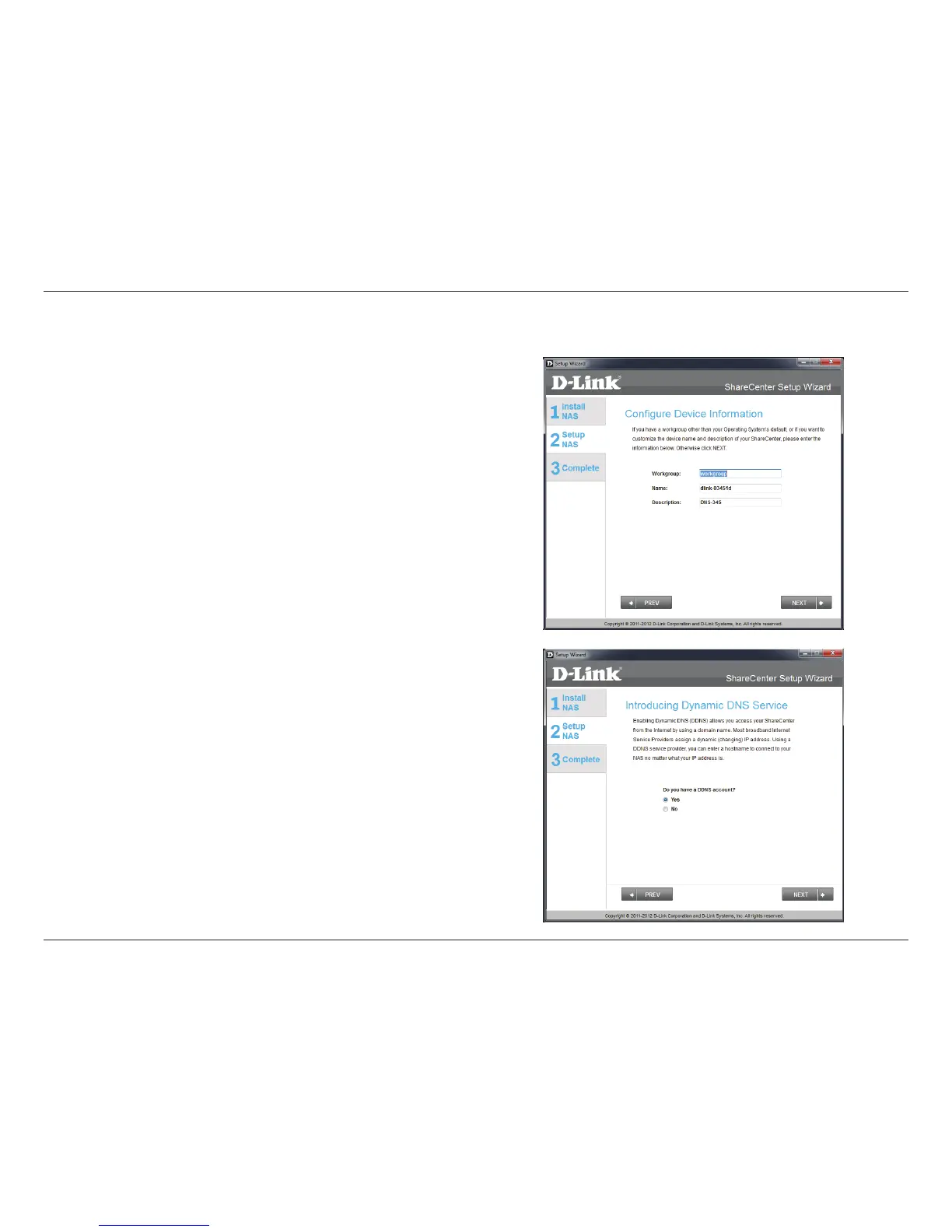
Step 12 - If you want your ShareCenter to be part of a Windows
Workgroup network, enter the workgroup name, a name for the
device, and a description. The name you entered will be used
whenever you map one of the ShareCenter volumes as a Network
Drive.
Click Next to continue.
Step 13 - Click the Yes radio button if you already have a DDNS
account to use for the ShareCenter DDNS. Click the No radio button
and proceed to step 15 to obtain a new DDNS account.
Click Next to continue.
Dynamic DNS



 To Next Page
 Loading...











