27D-Link ShareCenter DNS-345 User Manual
Section 3 - Installation
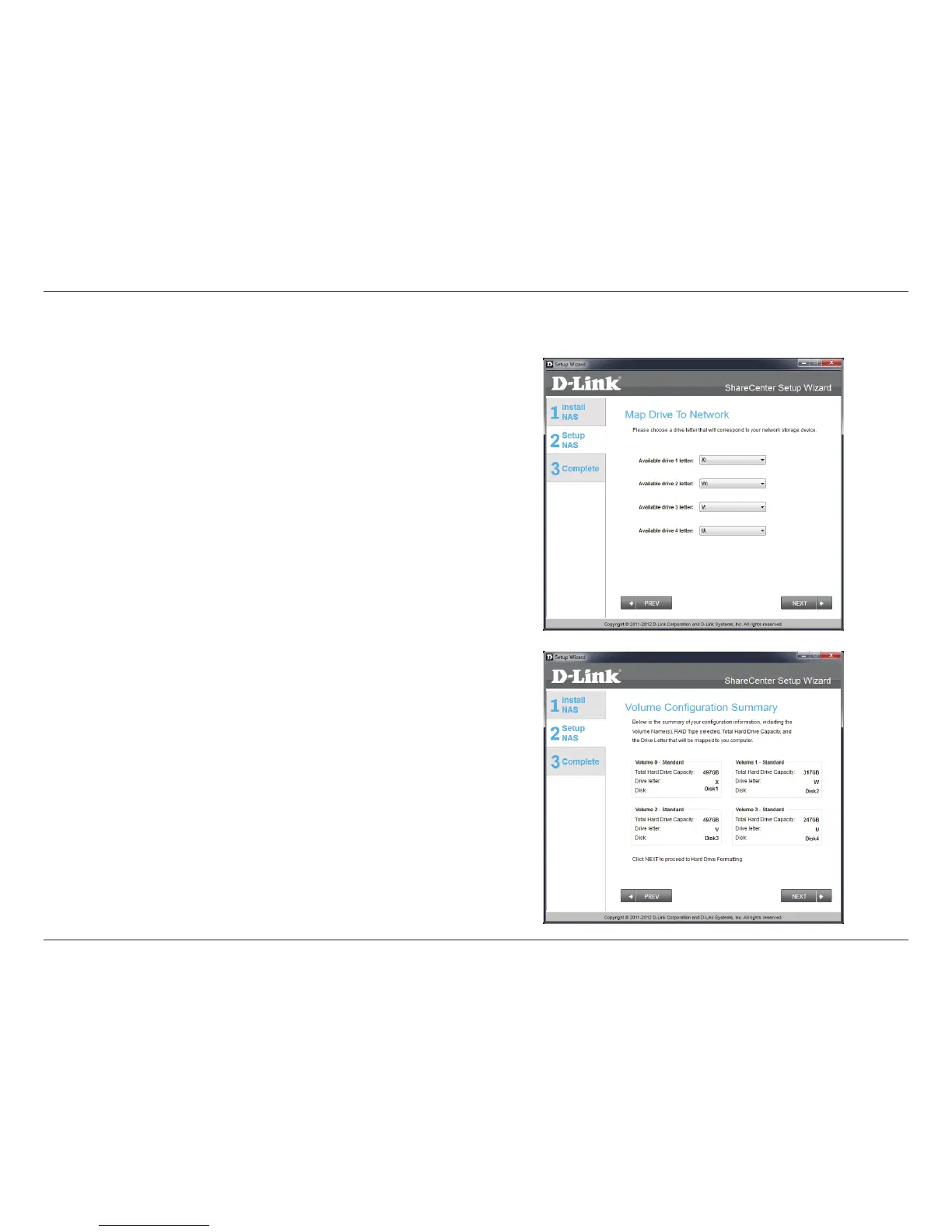
Step 22 - This step allows you to map the volume(s) created as
network drive(s) on your computer.
Click Next to continue.
Step 23 - Review the detailed summary of your volume conguration
here before clicking next and starting the drive format. If necessary
use the PREV button to go back and reconfigure the RAID
conguration of the volume(s).
Click Next to continue.
Mapping a Drive and Checking Volume Summary



 To Next Page
 Loading...











