49D-Link ShareCenter DNS-345 User Manual
Section 4 - Conguration
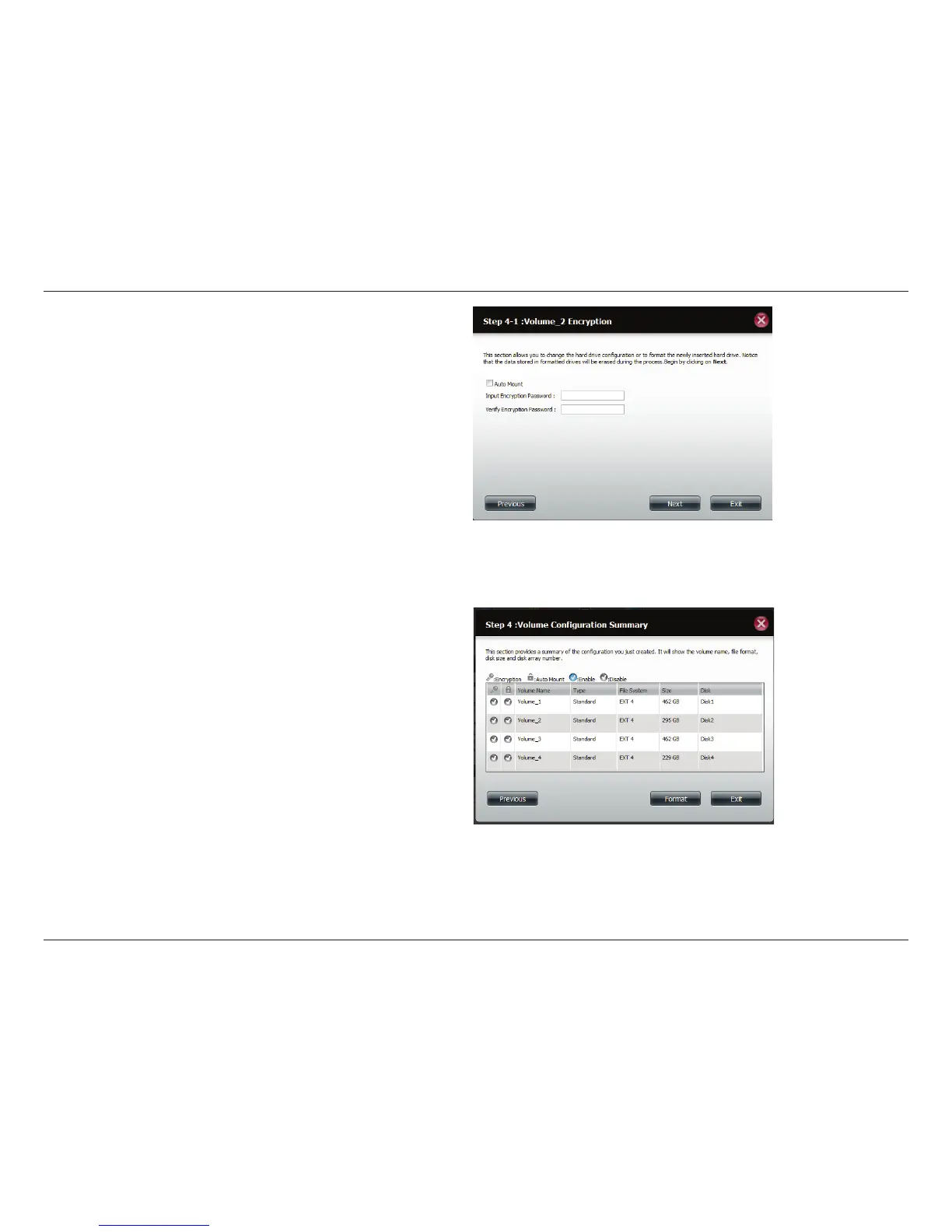
Select Auto Mount if you wish to mount the drive(s) without
entering a password every time you reboot the DNS-345.
Enter the encryption password and enter it again to conrm.
Click Next to continue.
The ‘Volume Conguration Summary’ shows details on all
of the congured drives. Check the details on the list and click
Format to continue or click Previous to make changes.



 To Next Page
 Loading...











