78D-Link ShareCenter DNS-345 User Manual
Section 4 - Conguration
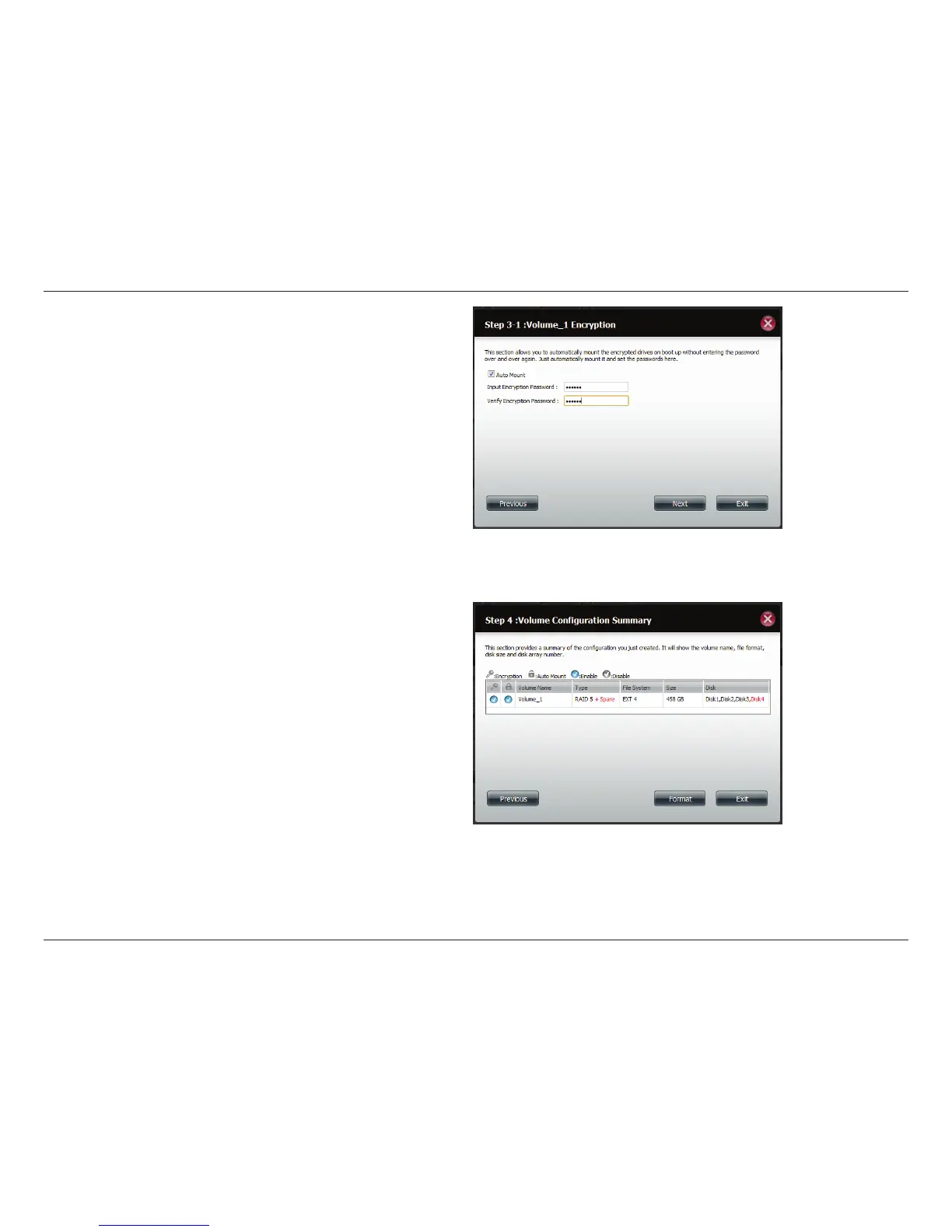
Select Auto Mount if you wish to mount the drive(s) without
entering a password every time you reboot the DNS-345.
Enter the encryption password and enter it again to conrm.
Click Next to continue.
ShareCenter will now show the Volume Configuration
Summary.
Make sure under type it reads RAID5 + Spare.
Check the details on the list and click Format to continue or
click Previous to make changes.



 To Next Page
 Loading...











