Product Introduction D-Link Web Smart Switch User Manual
6
6
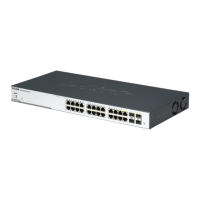
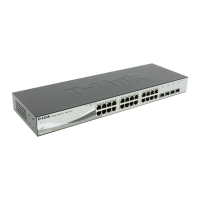
Port Link/Act/Speed LED (1-28): The Link/Act/Speed LED flashes, which indicates a network link through
the corresponding port. Blinking indicates that the Switch is either sending or receiving data to the port.
When a port has an amber light, this indicates that the port is running on 10M or 100M. When it has a green
light it is running on 1000M.
Reset: Press the Reset button for 5 seconds to reset the Switch back to the default settings. All previous
changes will be lost.
CAUTION: The MiniGBIC ports should use UL recognized Optical
Transceiver product, Rated Laser Class I. 3.3Vdc.
Rear Panel
Figure 1.4 DGS-1210-24 Rear Panel
Power: Connect the supplied AC power cable to this port.
Security Lock: Provide a Kensington-compatible security lock to be able to connect to a secure immovable
device. Insert the lock into the notch and turn the key to secure the lock. The lock-and-cable apparatus
should be purchased separately.
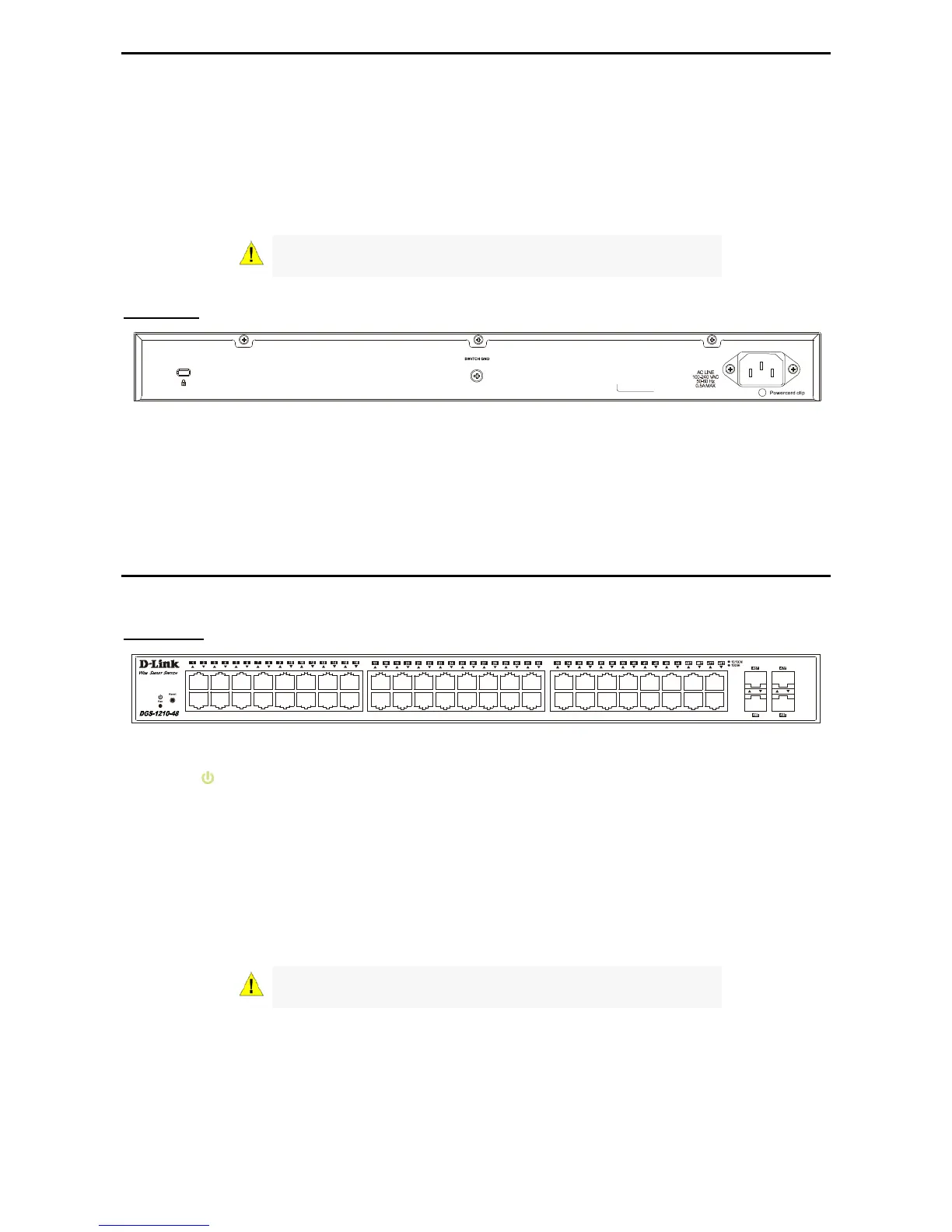
DGS-1210-48
44-Port 10/100/1000Mbps plus 4-Port Combo Copper/SFP Web Smart Switch.
Front Panel
Figure 1.5 – DGS-1210-48 Front Panel
Power LED
: The Power LED lights up when the Switch is connected to a power source.
Port Link/Act/Speed LED (1-48): The Link/Act/Speed LED flashes, which indicates a network link through
the corresponding port. Blinking indicates that the Switch is either sending or receiving data to the port.
When a port has an amber light, this indicates that the port is running on 10M or 100M. When it has a green
light it is running on 1000M.
Fan: The Fan LED lights green when the fan work well, and lights red when the fan fail.
Reset: Press the Reset button for 5 seconds to reset the Switch back to the default settings. All previous
changes will be lost.
CAUTION: The MiniGBIC ports should use UL recognized Optical
Transceiver product, Rated Laser Class I. 3.3Vdc.


 To Next Page
 Loading...