7
Troubleshooting
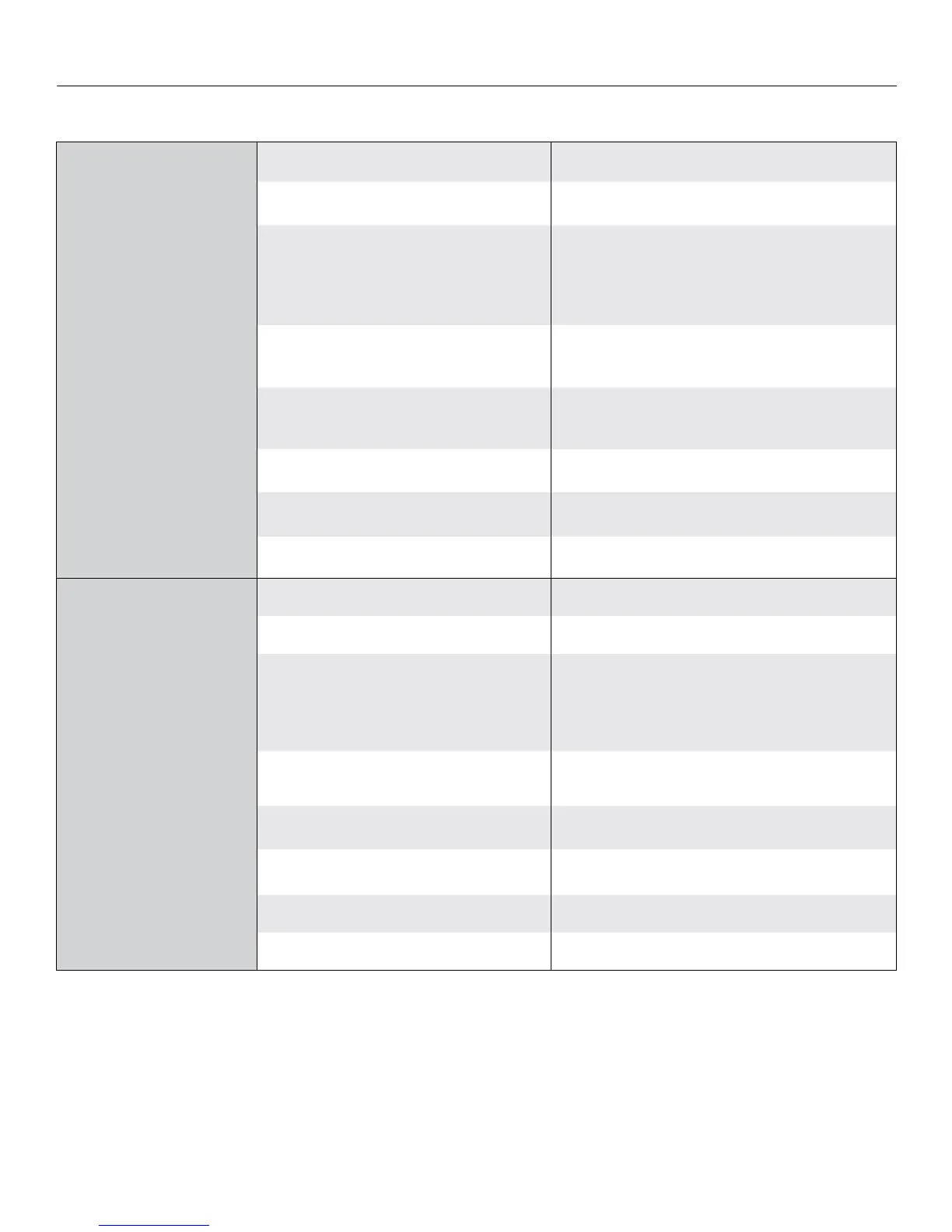
Symptom Cause Solution
Screen will not operate or will
not go “down”.
Motor does not hum.
Motor hums.
Blown facility fuse. Replace facility fuse.
Tripped facility circuit breaker. Reset facility circuit breaker.
No power to operating switch or junction box.
Check above. Tighten all loose wire connections.
Recheck wiring. See installation instructions.
“Down” Position
Check for power across black and white leads.
Power at junction box
Thermal overload tripped.
Let motor cool down for 15 minutes. Try again.
Broken wire in the “down” position.
Check for continuity.
Defective motor, limit switch or capacitor. Replace motor assembly. NOTE: Motor is a sealed assembly.
Temporary binding. With power “of,” turn roller by hand to free binding.
Capacitor burned out. Replace motor assembly.
Screen will not move upward.
Motor does not hum.
Motor hums.
Blown facility fuse. Replace facility fuse.
Tripped facility circuit breaker. Reset facility circuit breaker.
No power to operating switch or junction box.
Check above. Tighten all loose wire connections.
See above.
“Up” Position
Check for power across red and white leads.
Power at junction box
Thermal overload tripped.
Let motor cool down for 15 minutes. Try again.
Broken wire in the “up” position. Check for continuity.
Defective motor, limit switch or capacitor. Replace motor assembly. NOTE: Motor is a sealed assembly.
Temporary binding. With power “of,” turn roller by hand to free binding.
Capacitor burned out. Replace motor assembly.






 To Next Page