16 English
Product Overview
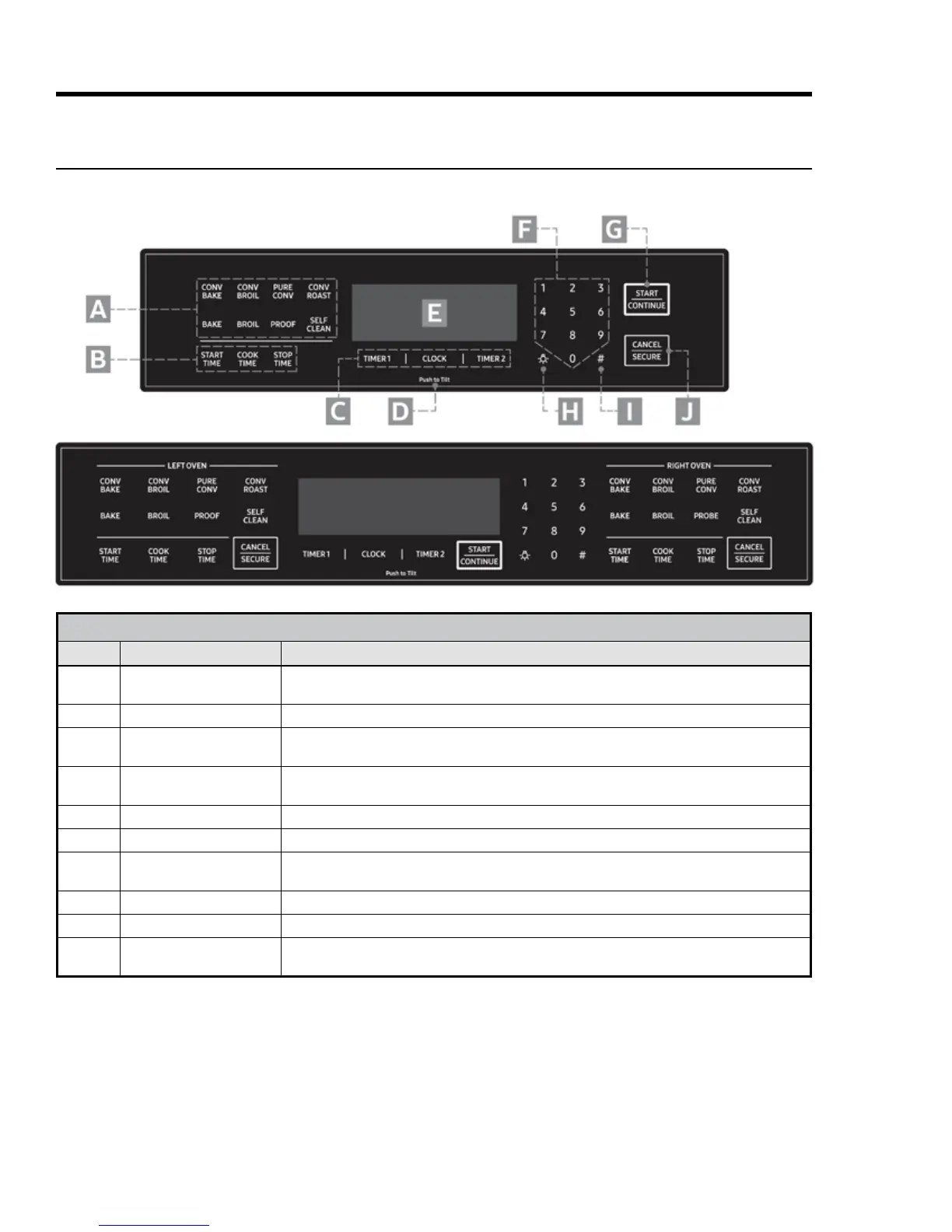
HDPRS/HDERS Control Panel
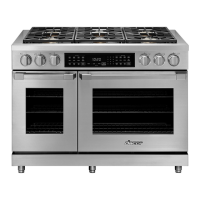
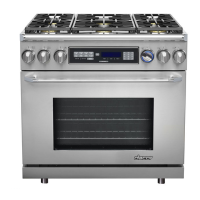
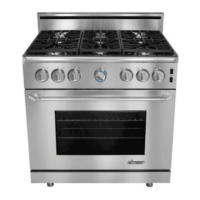
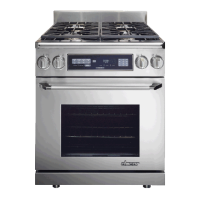
30", 36" Single Oven (top), 48" Double Oven (bottom)
CONTROL-PANEL FEATURES
Callout Name Description
A Operation-Mode Keys
ovens: one op-mode keypad per oven with all above modes and temperature-probe mode.
B Time-Delay Cooking Keys Set oven to turn on/off automatically; 48" model: one set of keys per oven (see Pg. 29).
C Clock/Timer Keys
independently; can be used when oven is off; timers do not turn oven on/off (see Pg. 28).
D Push to Tilt
Press here, and spring-loaded control panel slowly rotates upward 50° for easier viewing;
push here again until panel clicks into its original position.
E Display Shows time of day and oven operations (e.g., cook temperature, remaining cook time).
F Numeric Keypad Sets cook temperature, cook time, time of day.
G START/CONTINUE
Select a cook mode (A), then tap this key to start cooking; this key starts timers after you set a
cook time and resumes cook time after a pause.
H Oven-Light Key Turns oven light on/off.
I Sabbath Mode Key Activates Sabbath mode (see Pg. 32).
J CANCEL/SECURE
Turns off oven, zeroes out all temperature settings, turns off active features (except timer),
activates control lock-out; 48" model: one key per oven.



 To Next Page