KOC-9Q4T _7
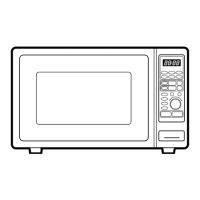
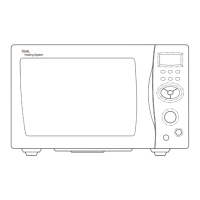
You can check the current time while cooking is in progress by pressing the
Clock button.
BEFORE OPERATION
When your oven is plugged in, the display will show “ :0” and a tone will sound. If the AC power goes off and comes back on, the
display will show “:0”.
Your oven has a multiple(12hr/24hr) clock system. To set the clock, follow the procedure below.
Example : To set 5:30 AM in a 24hr clock system.
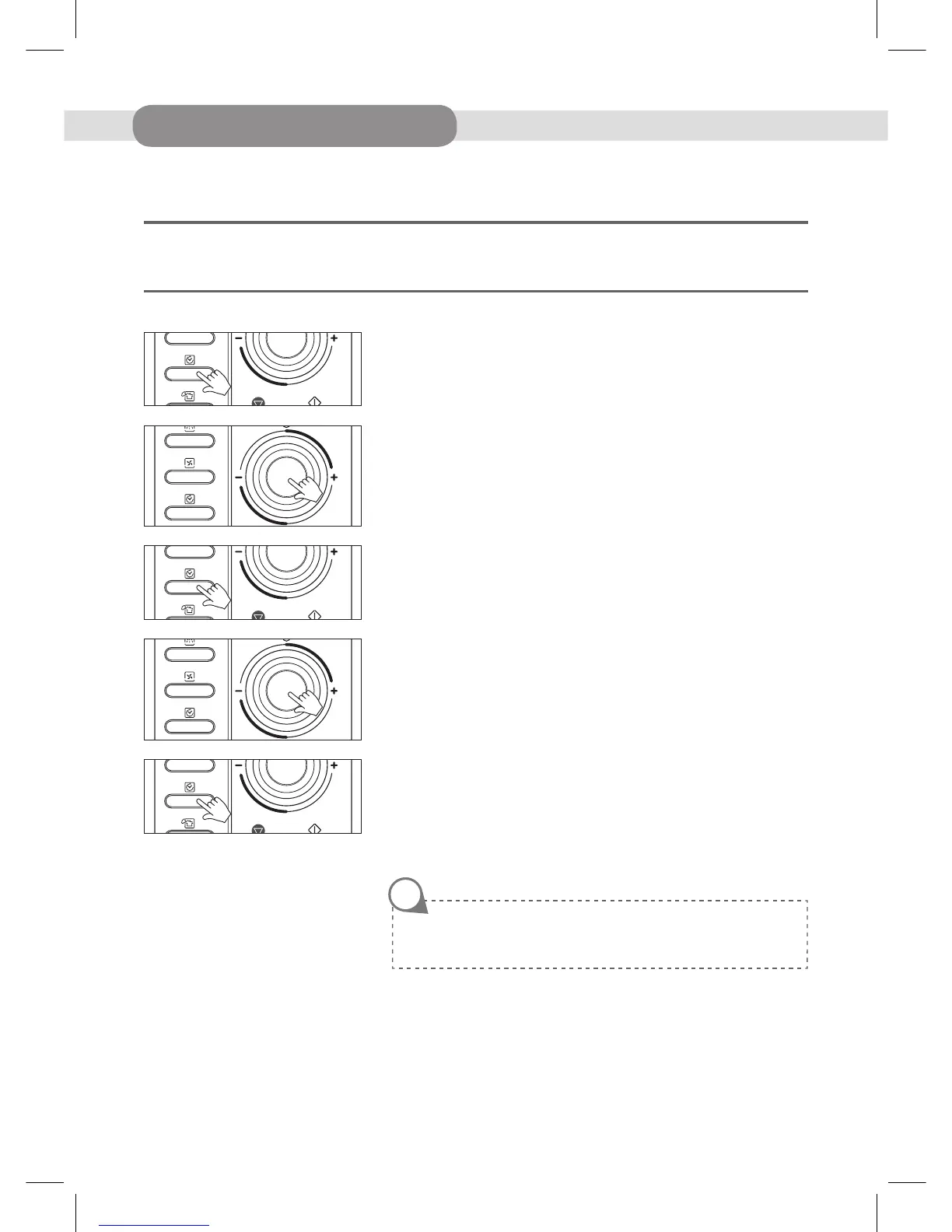
1. Press Clock button once.
The display will show “ 12H ”. This is a 12 hour clock system.
2. Press Clock button once more, the display shows “24H”.
This is a 24hour clock system. If you want 12hour clock system, omit this step.
3. Turn the dial knob to set the hour number “5:”.
The hour digit starts blinking, the colon will light.
4. Press Clock button. “5:00” shows in display.
The minute digit starts blinking, the colon and hour number will light.
5. Turn the dial knob until “5:30” shows in the display window.
6. Press Clock button. The colon starts blinking.
If you selected the 12hour clock system, this digital clock allows you to set the
time from 1:00 to 12:59.
If you selected the 24hour clock system, this digital clock allows you to set the
time from 0:00 to 23:59.
»S
ETTING THE CLOCK
NOTE



 To Next Page