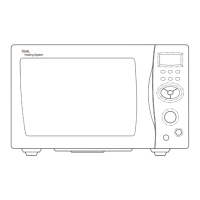
Child lock : The Child Lock function helps to prevent accidents from children operating the oven without being monitored by the
parents.
Power save mode : This function is used for saving energy.
»C
HILD LOCK AND POWER SAVE MODE
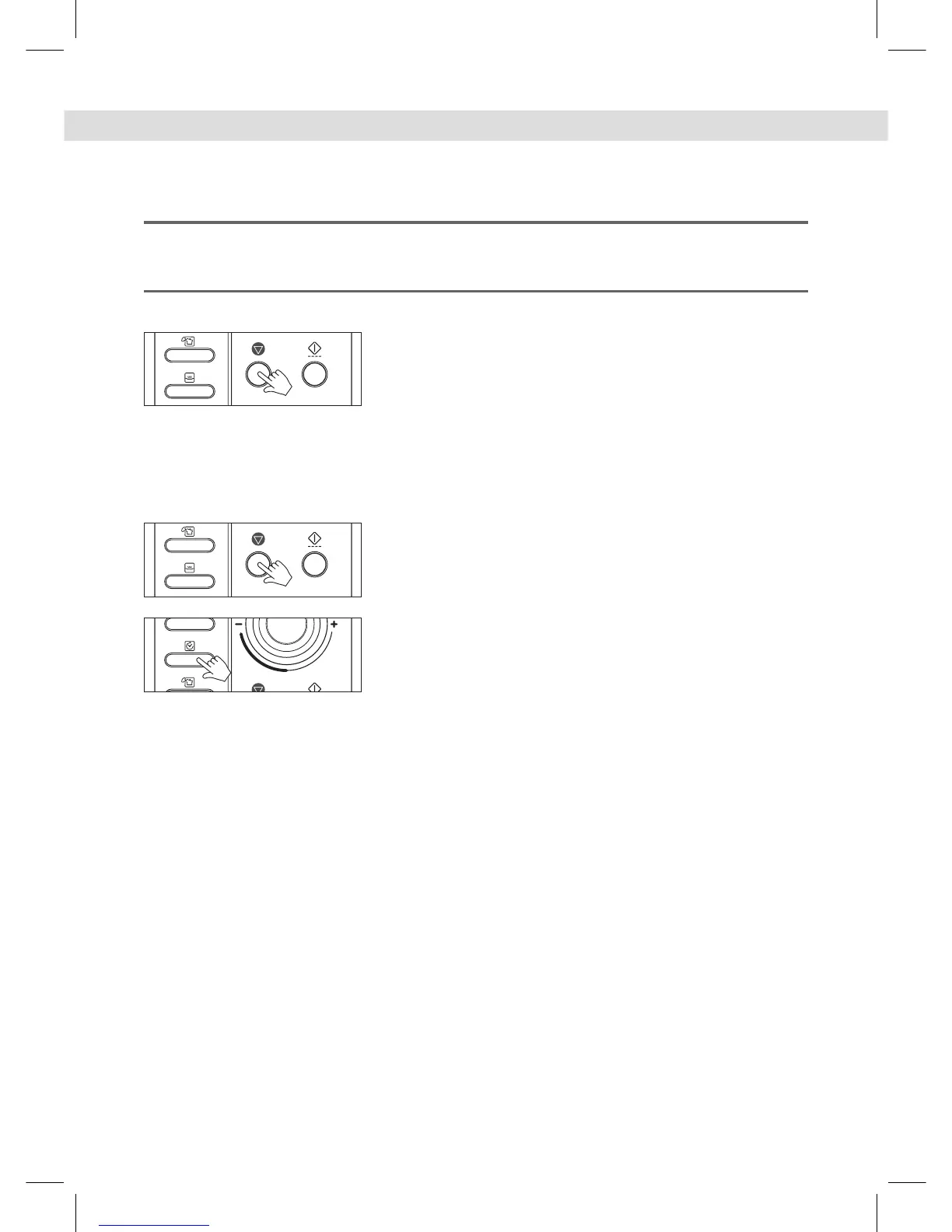
To set child lock
1. Press the STOP/CLEAR button.
“: 0” or clock appears in the display.
2. Press and hold the STOP/CLEAR button for 3 seconds.
A beep sounds and the display shows “ Loc ” for 3 seconds.
Now the oven cannot be operated.
3. To cancel child lock simply repeat procedure 2.
The oven will beep.
The oven is again available for normal use.
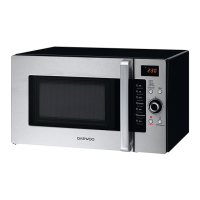
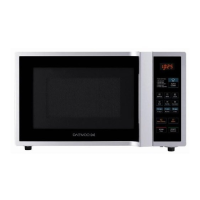
To set power save mode
1. Press the STOP/CLEAR button.
“: 0” or clock appears in the display.
2. Press and then hold the Clock button for 3 seconds.
The display will turn off and a beep sounds.
To operate the oven in power save mode, press any key or turn the knob.
Then “:0” or clock will be shown and the operation of all function keys will be
the same as in the normal mode.
But if there is no operation within 10 seconds in clear mode or while
manipulating the key, all the contents of display will disappear.
3. To cancel the power save mode, simply repeat the setting procedure.
The power save mode will be canceled and a beep sounds.
The oven is again available for normal use.



 To Next Page