User's Manual
101
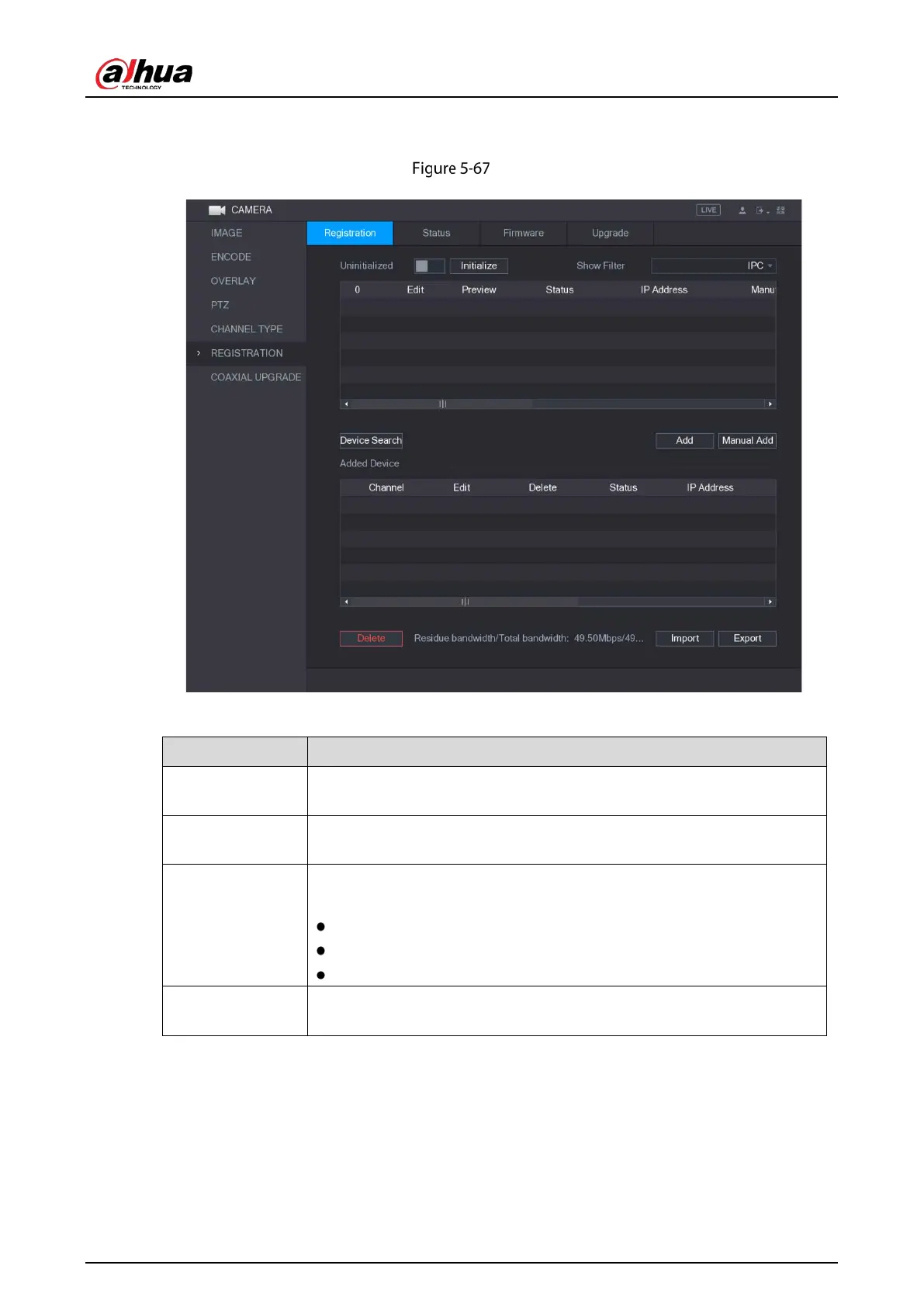
Select Main Menu > CAMERA > REGISTRATION > Registration, the Registration interface is
displayed.
Registration
Table 5-28 Registration parameters
Uninitialized
Enable the
function, the uninitialized devices out of the
searched devices are displayed in the searched device list.
Initialize
Select the uninitialized device from the uninitialized device list, and the
click
to start initializing device.
Show Filter
In the
list, select the remote device type that you want to
display in the searched device list.
None: Display all types of devices.
IPC: Display the front-end devices.
DVR: Display all storage devices such as NVR, DVR and HCVR.
Searched Device
List
Displays the searched devices. You can view the device information such
as status, IP address.


 To Next Page
 Loading...

