User's Manual
259
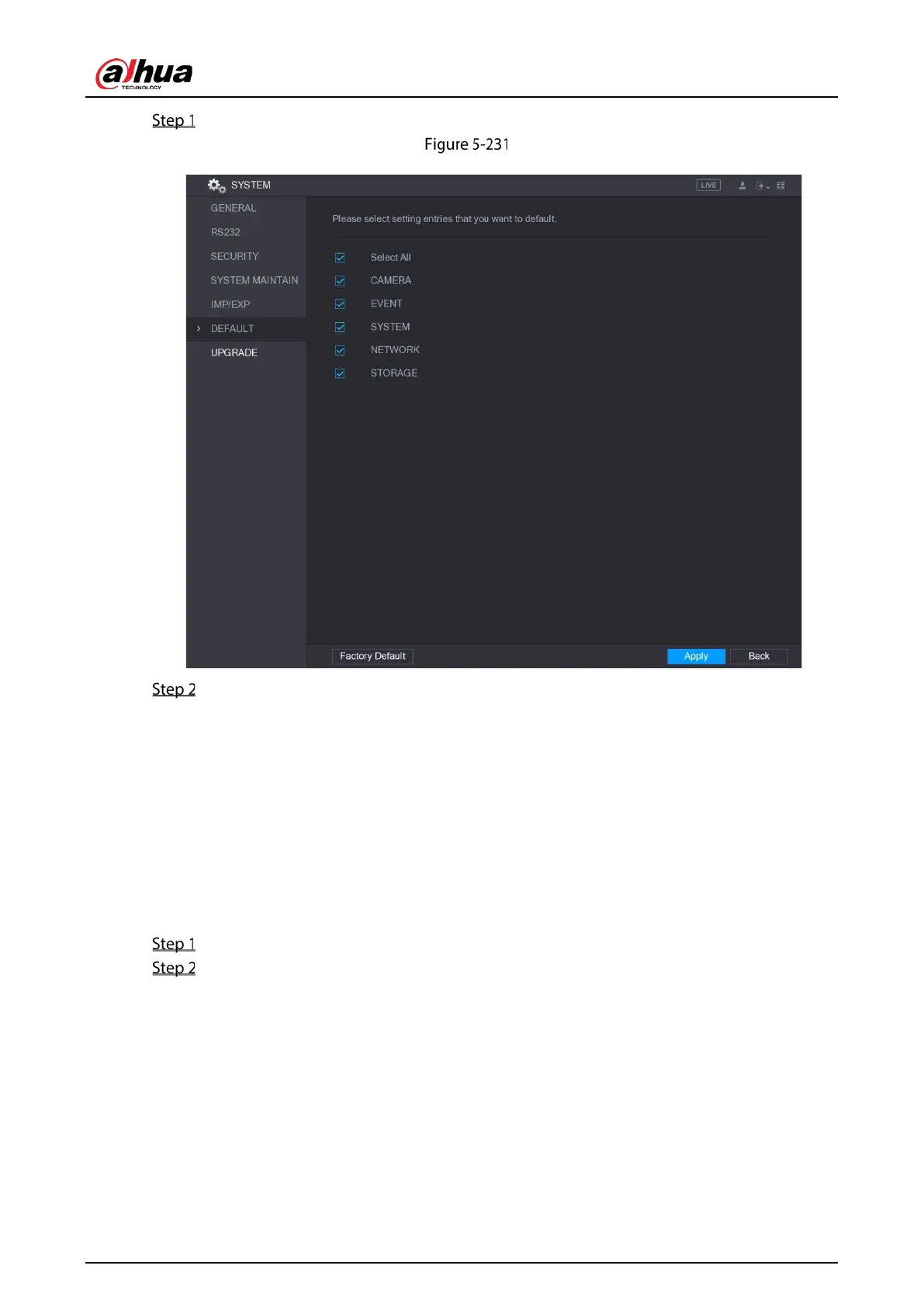
Select Main Menu > SYSTEM > DEFAULT.
Default
Restore the settings.
Select the settings that you want to restore, and then click Apply. The system starts
restoring the selected settings.
Click Factory Default, and then click OK. The system starts restoring the whole settings.
5.18.7 Upgrading the Device
5.18.7.1 Upgrading File
Insert a USB storage device containing the upgrade files into the USB port of the Device.
Select Main Menu > SYSTEM > UPGRADE.


 To Next Page
 Loading...

