User's Manual
156
5.10.2.4 Configuring Missing Rules
When the target is taken away from the defined area exceeds the set time, the system activates alarms.
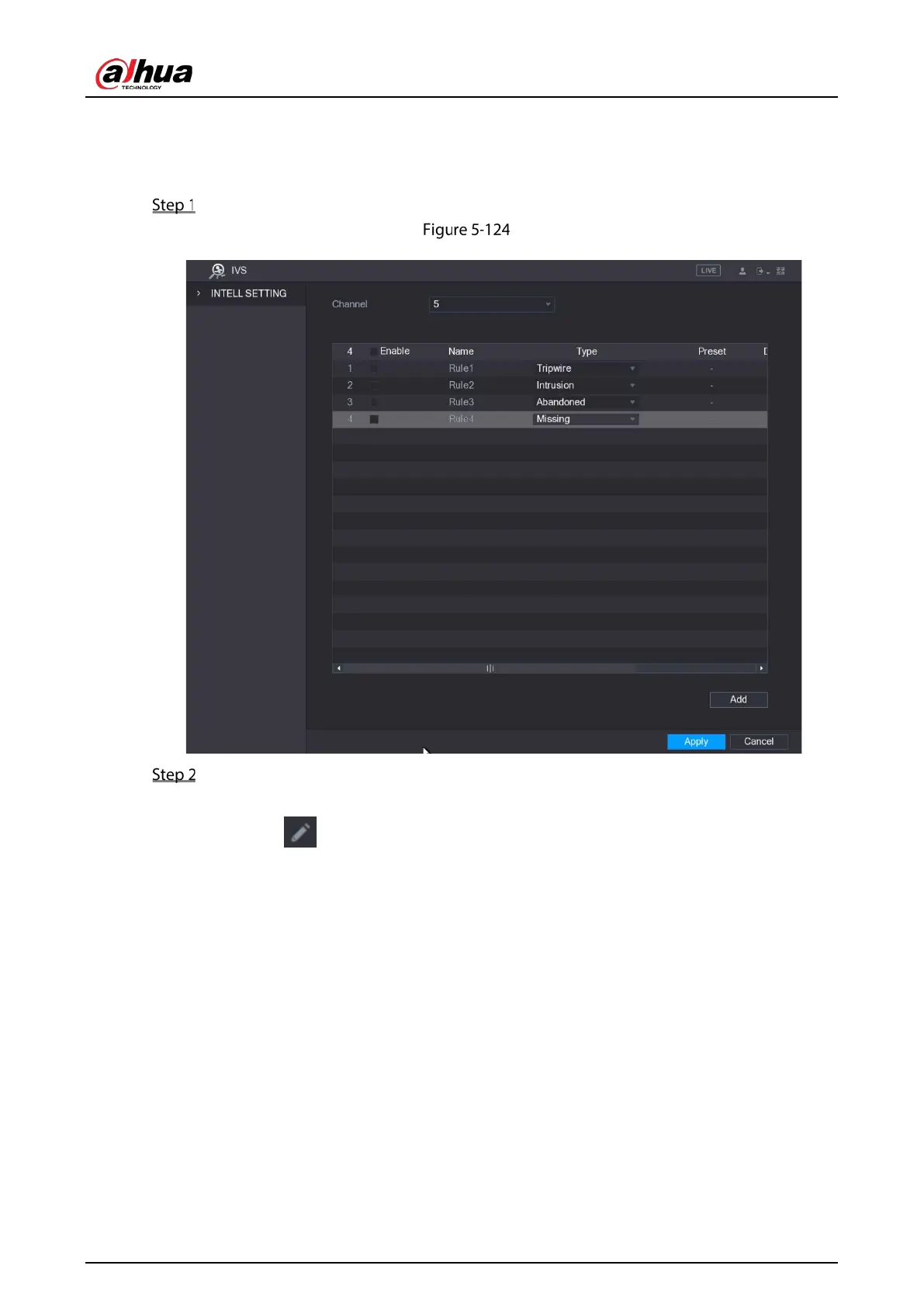
On the rule line that you added, in the Type list, select Missing.
Missing
Draw an area.
1) In the Channel list, select the channel that you want to configure the rules for.
2) Click .
The monitoring screen to configure the missing rules is displayed.


 To Next Page
 Loading...

