User's Manual
215
Table 5-67 Register parameters
Enable Enable the register function.
No. Select a number.
Server IP Address
Enter the server IP address or the server domain that you want to
register to.
Port Enter the port of the server.
Sub Service ID This ID is allocated by the server and used for the Device.
Click Apply to complete the settings.
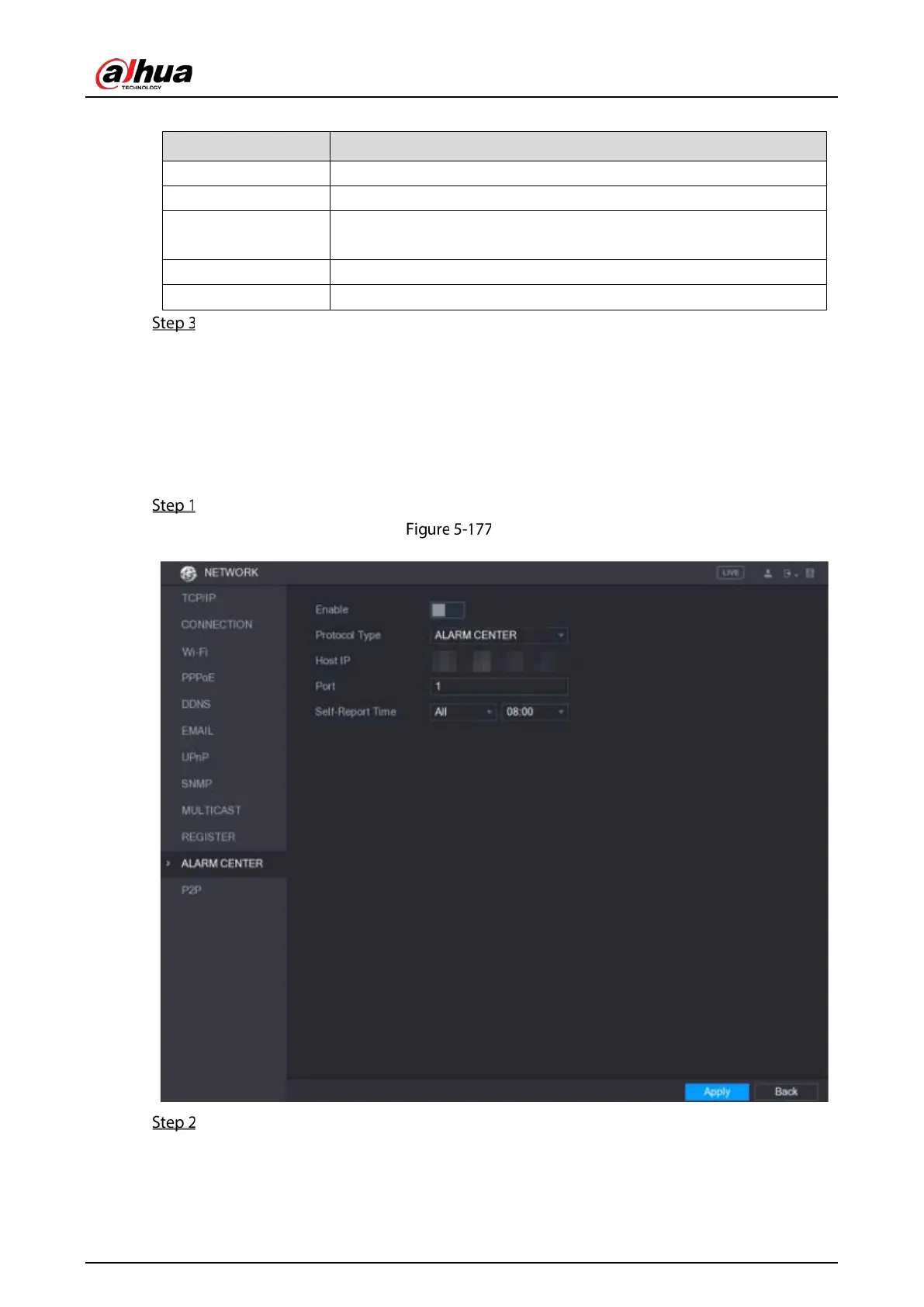
5.14.1.11 Configuring Alarm Center Settings
You can configure the alarm center server to receive the uploaded alarm information. To use this
function, the
Alarm Upload check box must be selected. For details about alarm event settings, see
"5.10 Alarm Events Settings."
Select Main Menu > NETWORK > ALARM CENTER.
Alarm center
Configure the settings for the alarm center parameters.


 To Next Page
 Loading...

