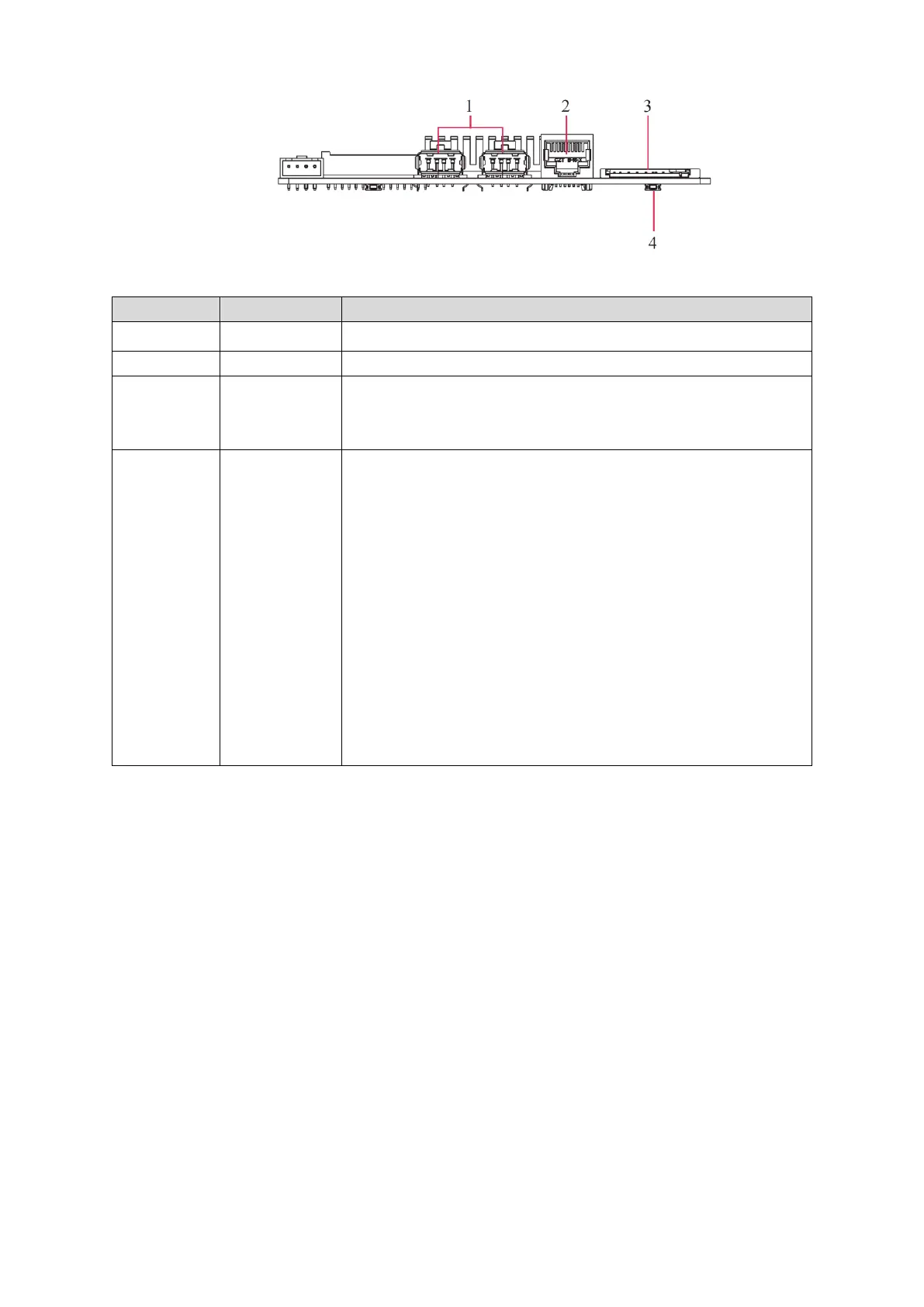
You can read information in the SD card such as pictures,
videos, audios, files. SD card cannot be used for storing the
Signage data for now.
Use this button to reinstall the Signage’s Android operating
system when the system runs terrible or you cannot boot up the
Signage.
1. Contact the after-sales service to get and decompress the
upgrade files. Save files such as bootargs.bin, fastboot.bin,
recovery.img and update.zip under the USB drive’s root
directory. Insert the USB drive into the Signage’s USB2.0
port.
2. In the reset hole, hold the button with a needle-like thing.
3. Power your Signage. After 3 seconds, loosen the button and
an interface guiding you to reinstall the Android operating
system is displayed.
4. Follow the guides.


 To Next Page
 Loading...