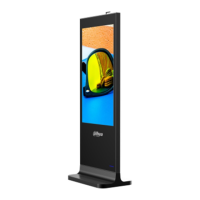
Installation 8
Use the given key to unlock and take off the rear panel. Step 1
Thread the power line through the outlet hole and connect the line to the power input Step 2
port.
Buckle the line-protection ring to the power line and place the ring closely near the Step 3
outlet hole.
Before Step 4, it’s recommended to connect the grounding screw to the ground.
Put the rear panel back and lock it. Step 4


 To Next Page
 Loading...