Basic Operations 16
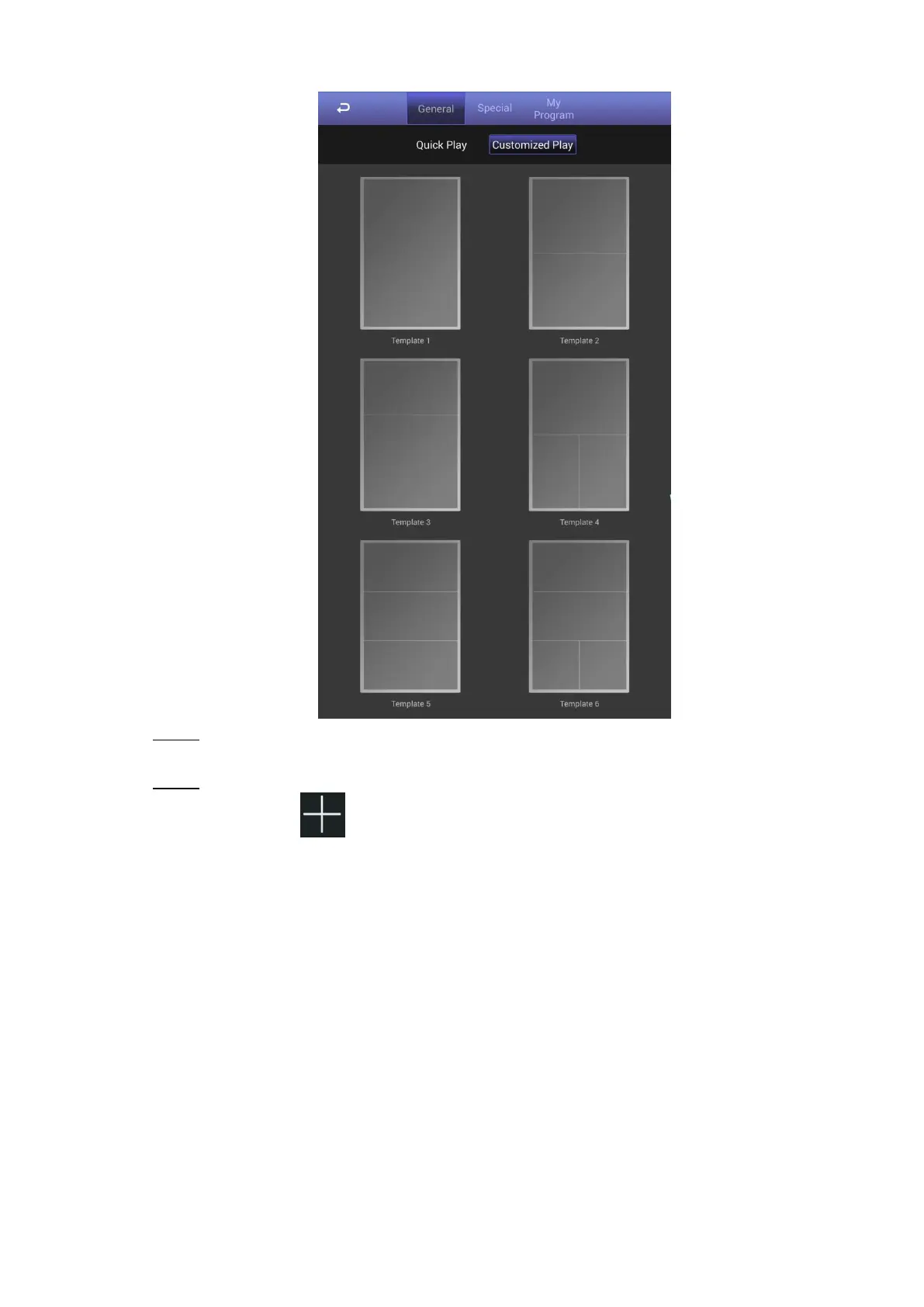
The customized play interface Figure 4-11
Click a template you want to define. Step 2
The template’s interface ready for configuration is displayed.
Define the template. Step 3
1) Click a to configure this region’s display sequence and content.
A program waiting box of images & videos is displayed. See Figure 4-12.


 To Next Page
 Loading...