BRC1E52A7 Operation manual
4PW71265-1 – 10.2011
42
Off Timer
1
Return Setting
Off Timer
Electricity consumption
Energy Saving Options
2/2
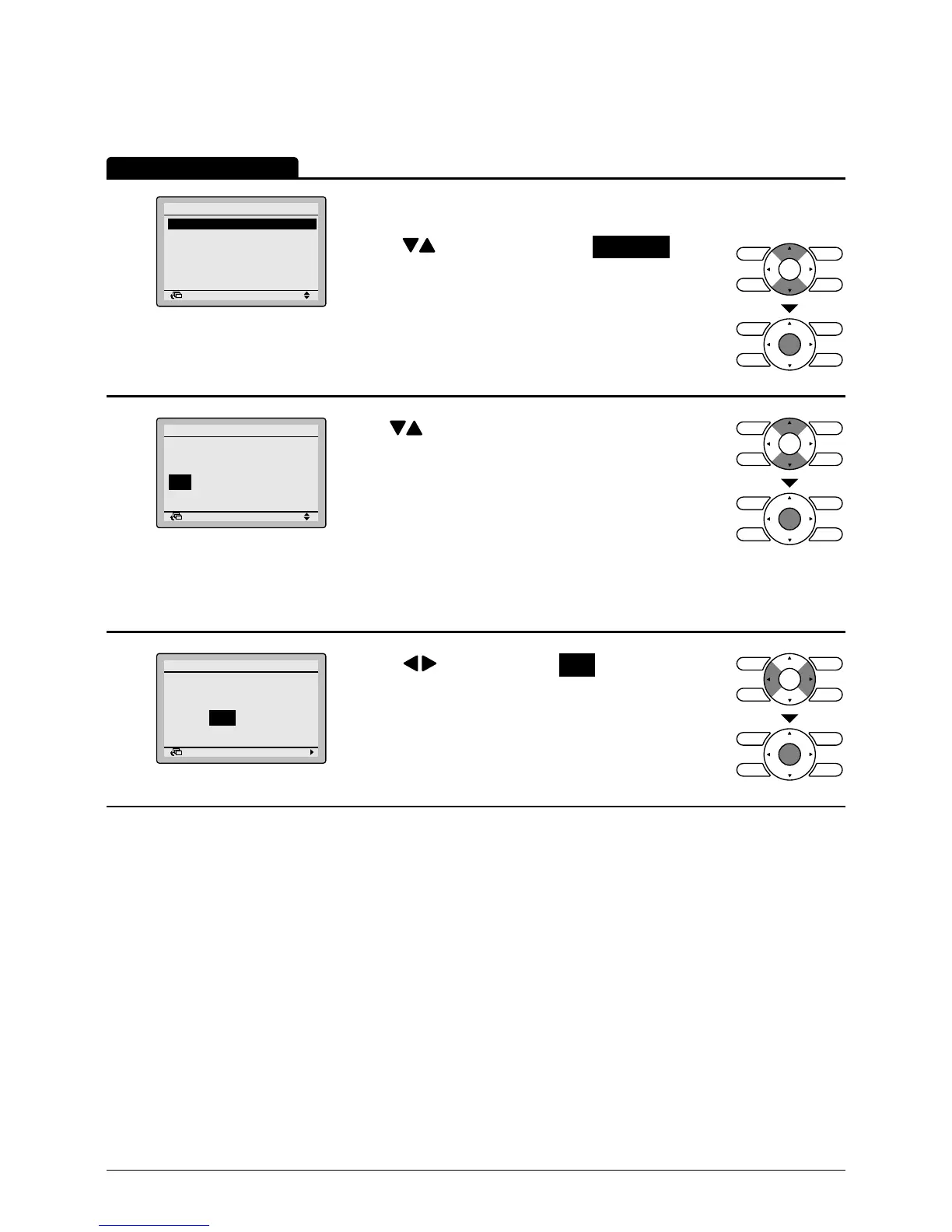
• Bring up the Energy Saving Options settings
screen.
(See page 36.)
• Press buttons to select the Off Timer on the
Energy Saving options settings screen.Press
Menu/Enter button to display the Off Timer screen.
2
Return Setting
After you turn on the unit,
it will automatically
turn off in
60
minutes.
Off Timer
• Use buttons to set the time from operation
start until the unit automatically stops.
Selections can be made in increments of
10 minutes from 30 to 180 minutes.
Holding down the button causes the number to
change continuously.
• Select the desired time and press Menu/Enter
button.
The settings conrmation screen will appear.
3
Return Setting
Save the settings?
Off Timer
Yes No
• Press button to select Yes on the settings
conrmation screen.
Pressing Menu/Enter button conrms the Off Timer
settings and takes you back to the basic screen.
Operation Method



 To Next Page