3 | About the system
User Reference Guide
10
FTXP20~35M5V1B9
Daikin room air conditioners
4D520466-7C – 2020.03
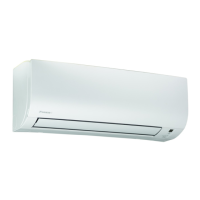
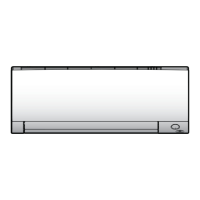
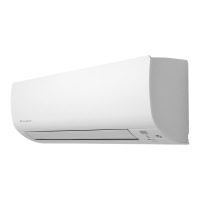
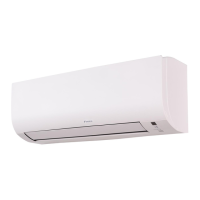
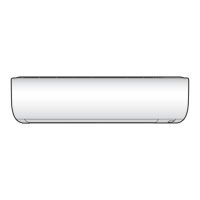
a Air inlet
b Air outlet
c Front panel
d Indoor unit display
e Air filter
f Titanium apatite deodorizing filter
g Silver particle filter
ON/OFF button
If the user interface is missing, you can use the ON/OFF button on the indoor unit
to start/stop operation. When operation is started using this button, the following
settings are used:
▪ Operation mode = Automatic
▪ Temperature setting = 25°C
▪ Airflow rate = Automatic
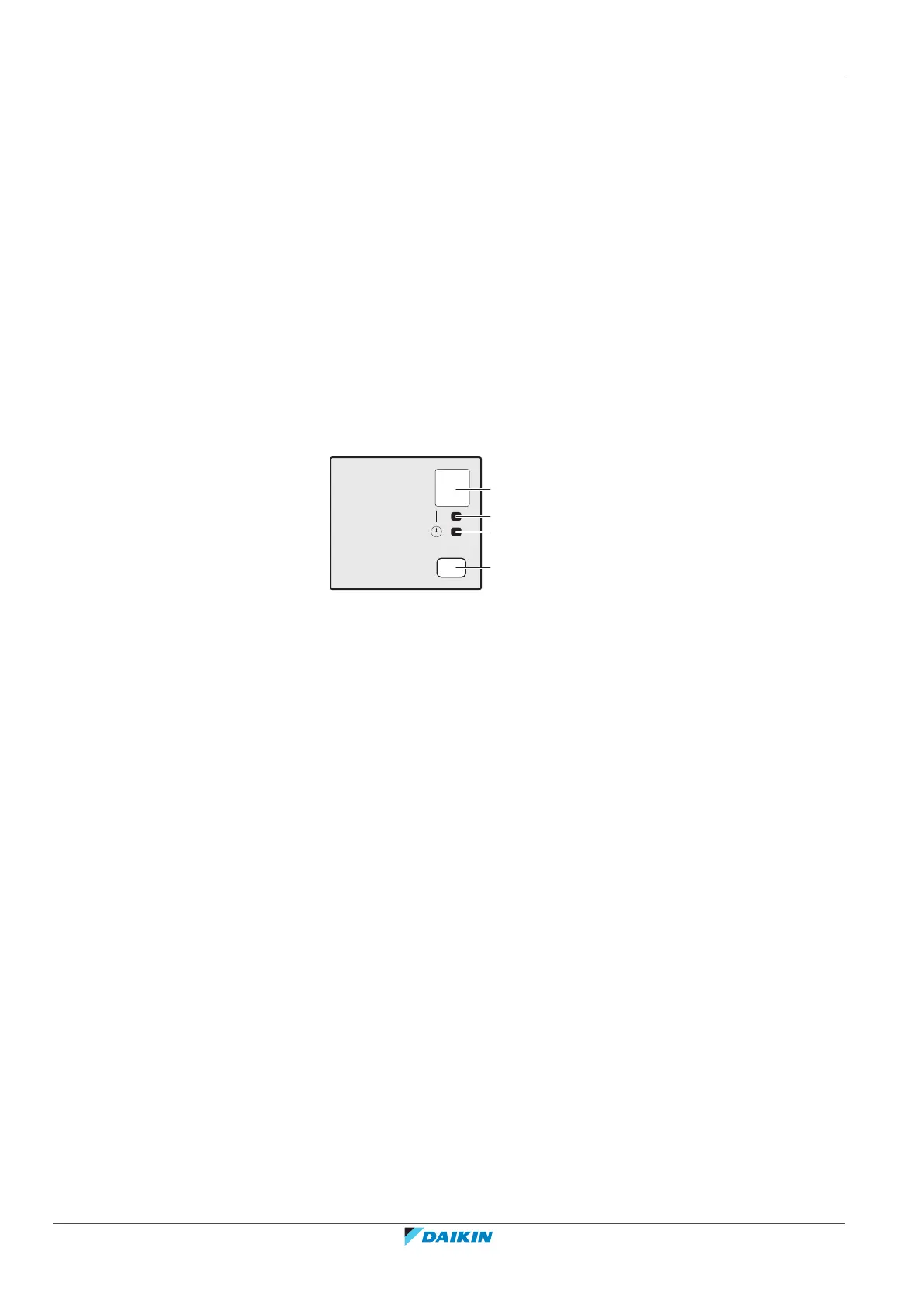
3.1.1 Indoor unit display
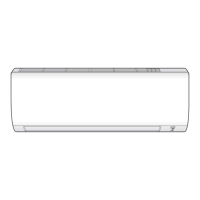
a Signal receiver
b Operation lamp
c Timer lamp
d ON/OFF button
ON/OFF button
If the user interface is missing, you can use the ON/OFF button on the indoor unit
to start/stop operation. When operation is started using this button, the following
settings are used:
▪ Operation mode = Automatic
▪ Temperature setting = 25°C
▪ Airflow rate = Automatic
3.2 About the user interface
▪ Direct sunlight. Do NOT expose the user interface to direct sunlight.
▪ Dust. Dust on the signal transmitter or receiver will reduce sensitivity. Wipe off
dust with a soft cloth.
▪ Fluorescent lights. Signal communication might be disabled if fluorescent lamps
are in the room. In that case, contact your installer.
▪ Other appliances. If the user interface signals operate other appliances, move
the other appliances, or contact your installer.
▪ Curtains. Make sure that the signal between the unit and the user interface is
NOT blocked by curtains or other objects.



 To Next Page