32
English
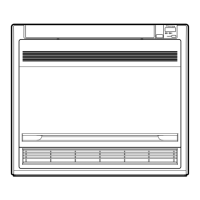
Removing the front panel
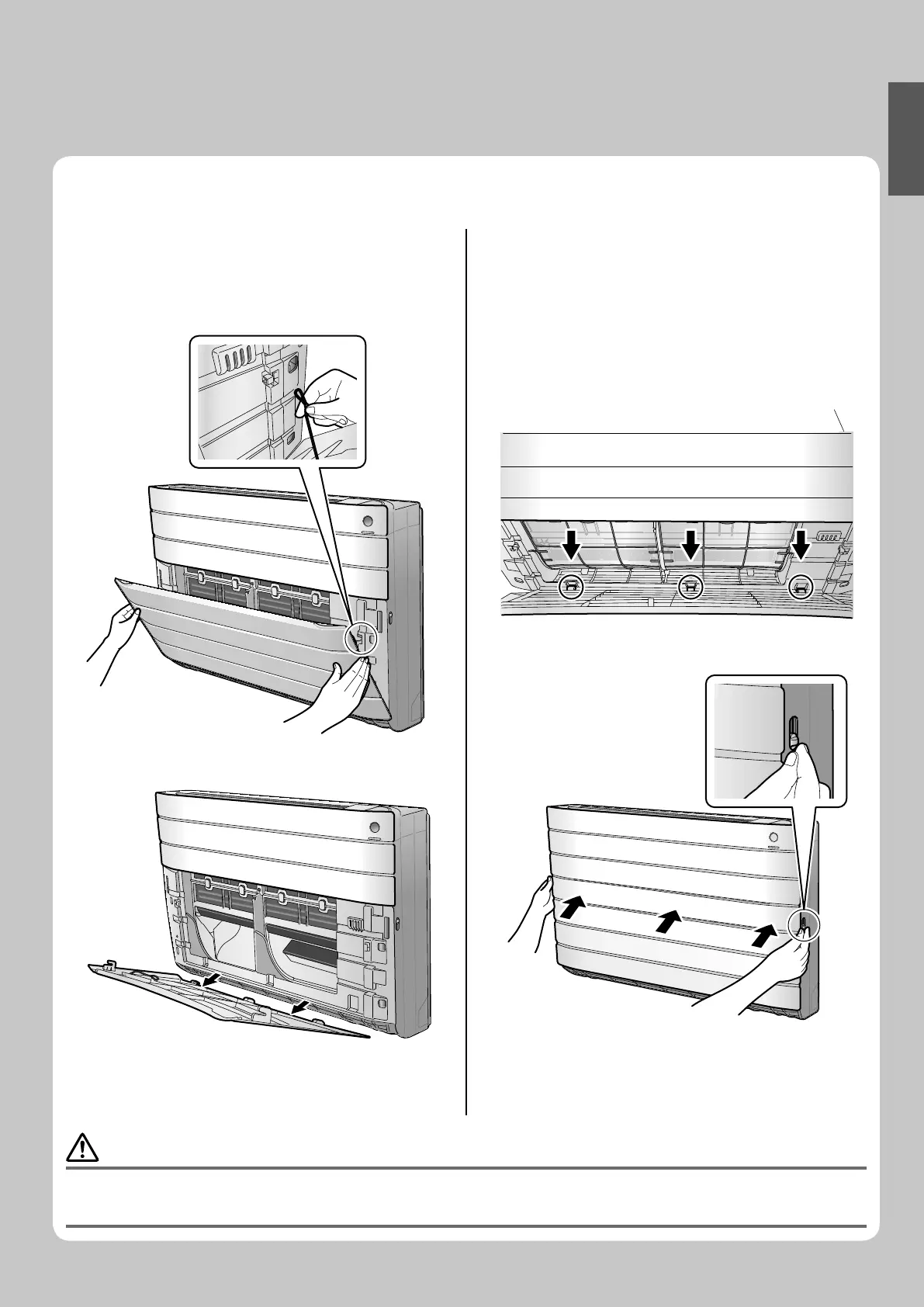
Remove the front panel.1.
Open the front panel.•
Remove the front panel securing strings (2 positions) •
from the front grille.
Remove the front panel from the air conditioner.•
Clean the front panel.2.
Wipe it with a soft cloth soaked in water.•
Only neutral detergent may be used.•
Attach the front panel. 3.
Insert the front panel into the lower front grille as •
shown in the fi gure, and then secure both sides of
the panel using the strings.
Close the front panel and lock it by sliding the front •
panel stoppers on both sides downward.
CAUTION
When removing or attaching the front panel, use a robust and stable stool and watch your steps carefully.•
When removing or attaching the front panel, support the panel securely with hand to prevent it from falling.•
After cleaning, make sure that the front panel is securely fi xed.•
01_EN_3P276869-1A.indb 3201_EN_3P276869-1A.indb 32 8/8/2012 4:18:33 PM8/8/2012 4:18:33 PM






 To Next Page