48
Troubleshooting
Troubleshooting
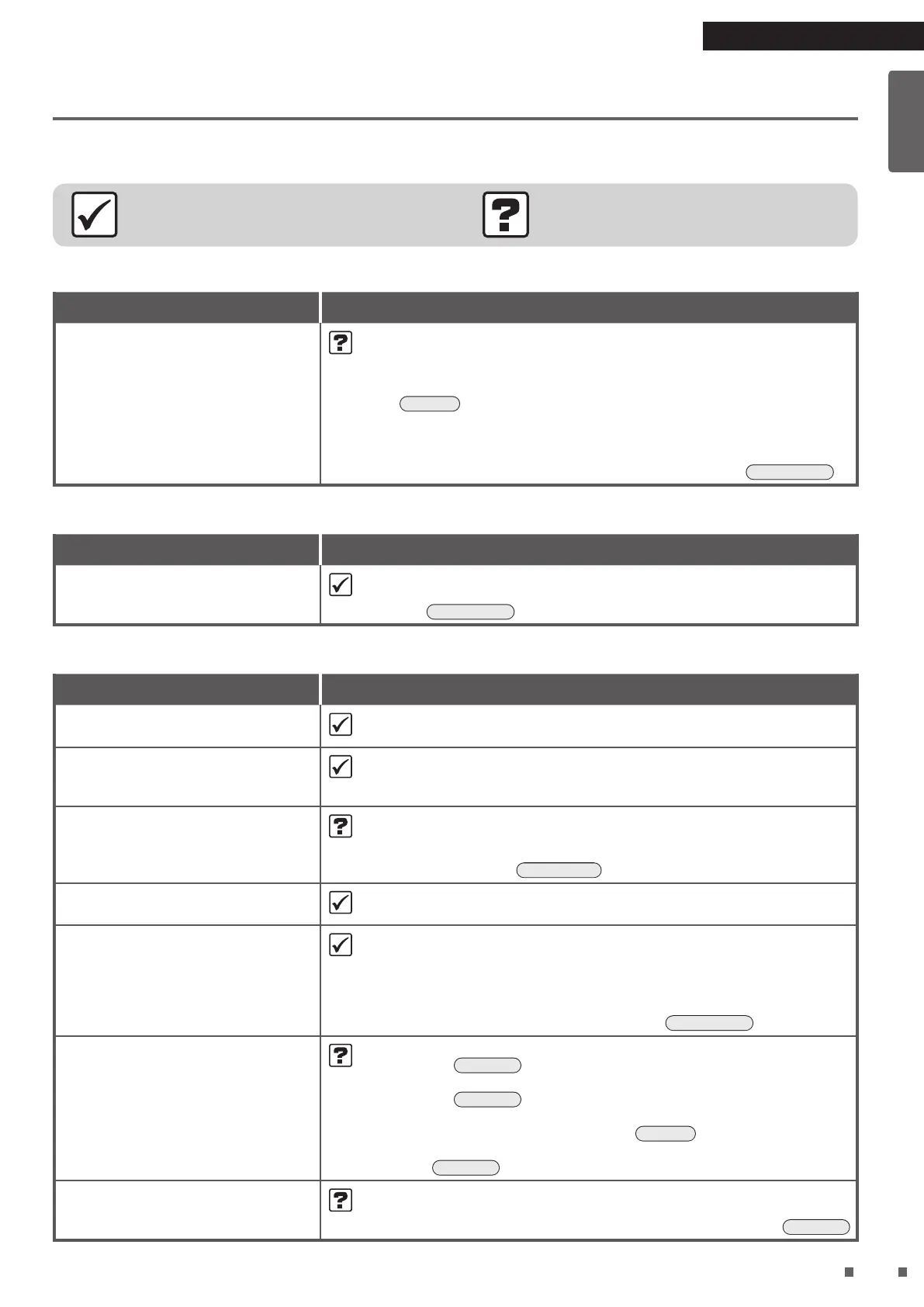
Before making an inquiry or a request for repair, please check the following.
If the problem persists, contact the place of purchase.
Not a problem
This case is not a problem.
Check
Please check again before requesting repairs.
Unit will not operate
Phenomenon Check points
Unit will not operate • Is the streamer unit cover attached?
If it is not attached the safety switch will engage, and the unit cannot
operate.
¼ Install the streamer unit cover properly and attempt operation again.
►
Page 8
• Is the airow rate limit when the water supply lamp is lit set to “Fan
stop”?
¼ If the airow rate limit when the water supply lamp is lit is set to “Fan
stop”, the fan will stop when the water supply lamp is lit.
►
Page 33, 34
Operation continues
Phenomenon Check points
Operation continues even though I
try to stop it
• This is because humidifying lter drying operation is being carried out.
If you do not want to perform humidifying lter drying operation, change the
setting.
►
Page 33, 34
Sounds can be heard
Phenomenon Check points
Catching sound during Humidifying
Operation
• A catching sound may be generated when Humidifying Operation starts/
stops.
Sizzling or rumbling sounds after
Humidifying Operation stops or
during Humidifying Operation
• These sounds are generated when the humidifying lter unit rotates.
If the sounds are an issue, move the unit to a different location.
Creaking sound during Humidifying
Operation
• Is the humidifying tray or humidifying lter unit dirty?
¼ A sound may be generated when there is a buildup of water scales on
the humidifying tray or humidifying lter unit.
Clean these parts.
►
Page 39-41
Splashing sound during Humidifying
Operation
• This is the sound of water splashing on the humidifying lters.
Hissing sound during operation
• A hissing sound is generated when there is streamer discharge during
streamer operation. Depending on usage conditions, the sound may lessen
or change to a crackling, whirring or guzzling sound. However, this is
normal.
If the sounds are an issue, move the unit to a different location.
• You can also set the streamer output to “Low”.
►
Page 27, 28
Whistling and uttering sound
during operation
• Is there a buildup of dust on the pre-lter?
¼ Clean it.
►
Page 35
• Is the dust collection lter clogged up?
¼ Clean it.
►
Page 36
Depending on usage conditions, the dust collection lter may become
clogged up, shortening its service life.
►
Page 7
If the problem persists even after cleaning, replace the dust collection
lter.
►
Page 43
Operating sound is loud • Is the dust collection lter properly attached?
¼ If it is not properly attached, operating sounds may become louder.
►
Page 43
01_EN_3P693798-1B.indd 48 2023/06/26 13:34:17


 To Next Page
 Loading...