27
4
INFORMATION ON USE AND OPERATION
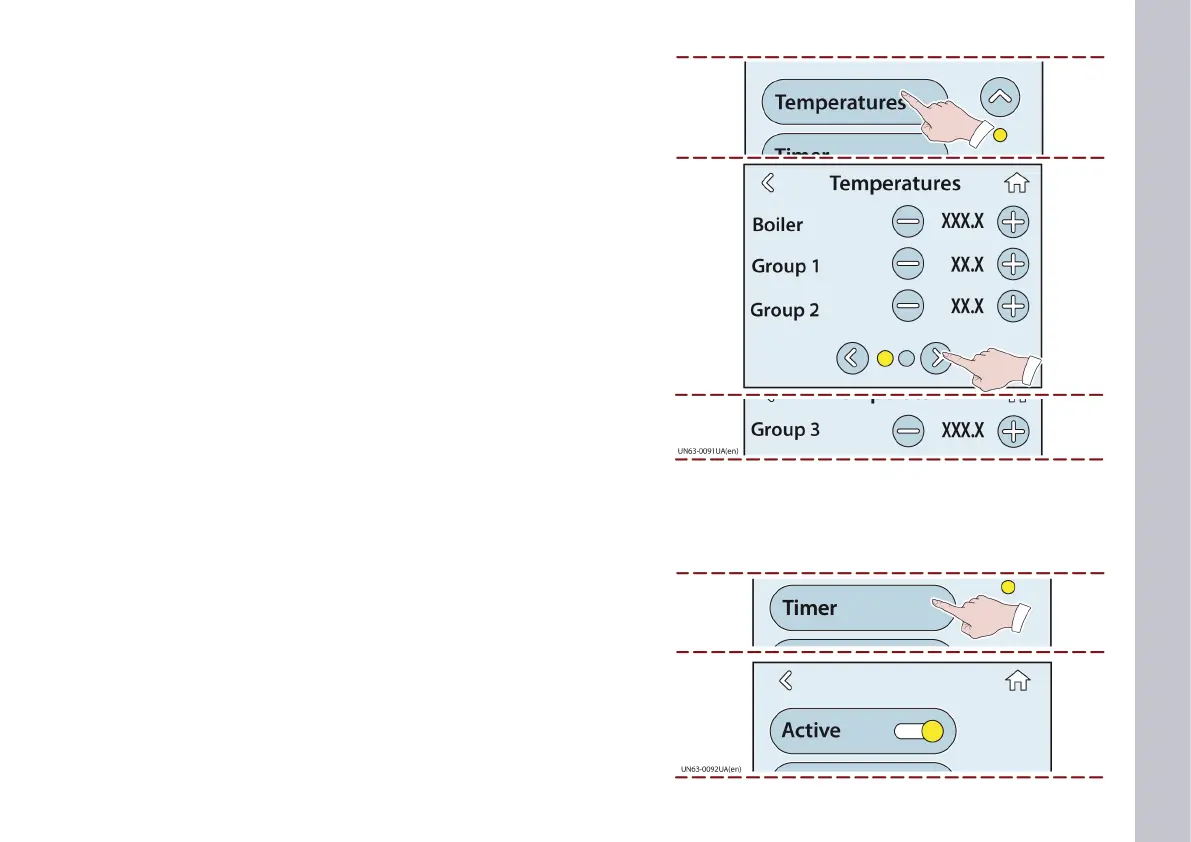
1) Touch this key to display the TEMPERATURE page.
2) Touch the corresponding keys to change the heating tempera-
ture of the groupheads and the boiler.
The new temperature is stored when the page is exited.
TEMPERATURE page
Touch the key to turn on the TIMER and enable the timed on/o
feature for each individual grouphead and boiler.
TIMER page














 To Next Page